Saving the IP address at login
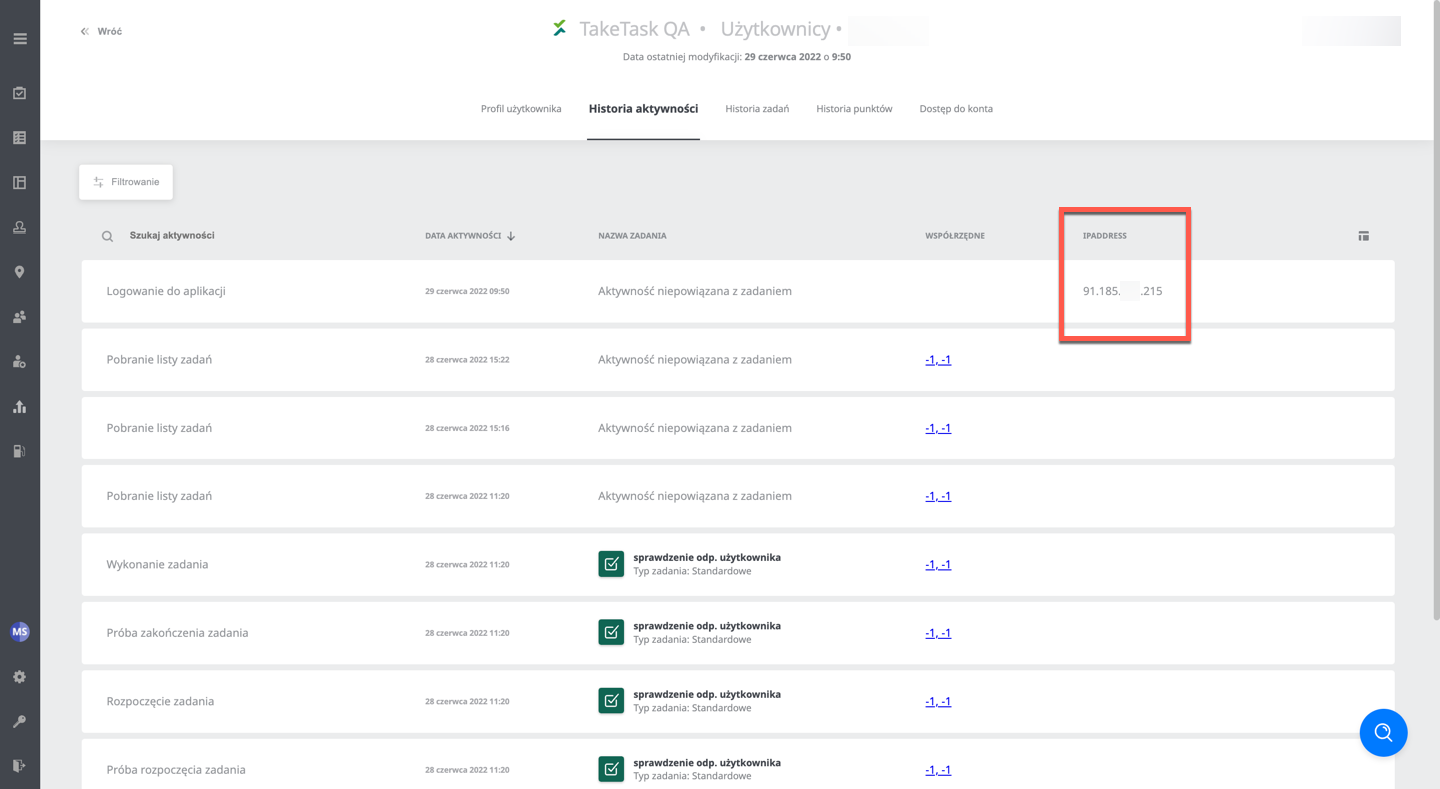
The Activity history tab in the user profile can display the IP address from which the user logged in to their account. This information can be used to check user logins to the application in detail, which increases security and prevents unwanted logins by outside users.
To display the user’s IP address, go to the Activity history tab, click manage columns and add the column named IpAddress.
The IP address is saved on the event of logging in to the application and logging out of it.