
Guest Access
The guest access function is intended for external users who do not have a user account in the application. Logging in through a guest account is one-time, and every subsequent login attempt will result in a new account being created from scratch. All changes and entries in the application disappear after logging in again.
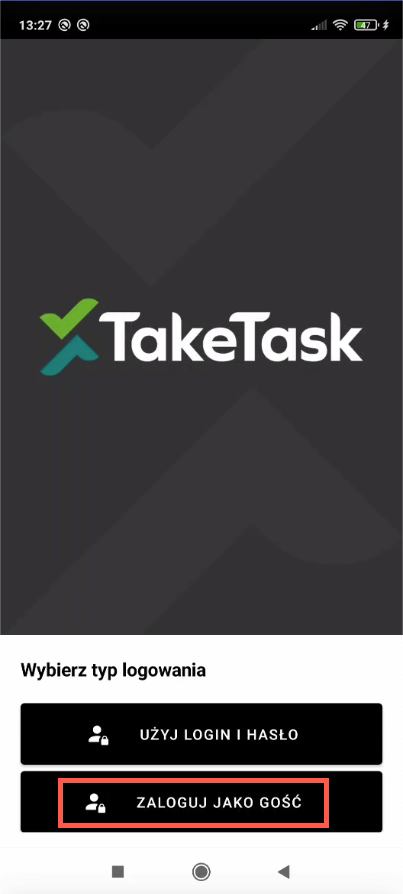
After entering the application, two login types appear:
- Use login and password
- Log in as guest
After logging in as a guest, the following view appears:
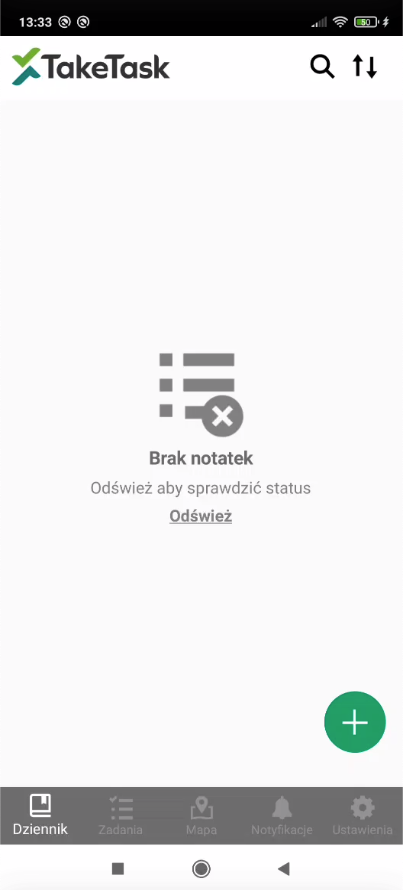
The user has access to:
- Journal
- Tasks
- Map
- Notifications
- Settings
Configuration
To enable the function, please contact the application administrator.