Promo Code command
On this page
The Promo Code command allows to generate a code for the user from the database of codes uploaded to the application. It can be one unique code for one user or the same for all. This command can be combined with other commands freely, without any restrictions. This command can be used to reward a user for performing a task, e.g. a discount code for a store. In this case, place the command at the end of the task before the advancing to Publish.
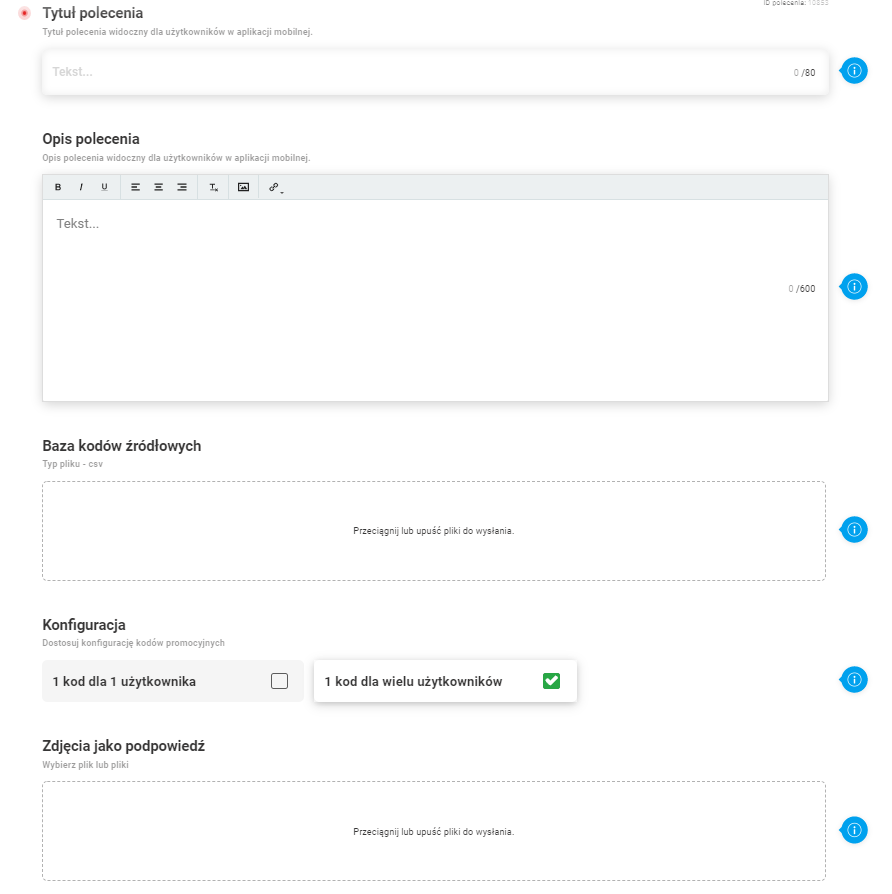
Main parameters of the command configuration:
- Command title (up to 80 characters)
- Command description (up to 600 characters)
- Source code database (csv format)
- Choice of code distribution: one per user or one code for multiple users
- Photos as a hint
Please Note: If you choose the distribution of one code per user, remember that if the pool of codes is exhausted, it will not be possible to generate further codes in the mobile app.
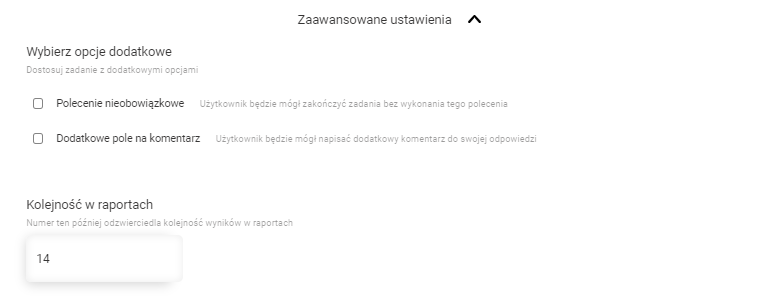
Advanced command configuration settings:
- Optional command
- Additional comment field
- The order in reports
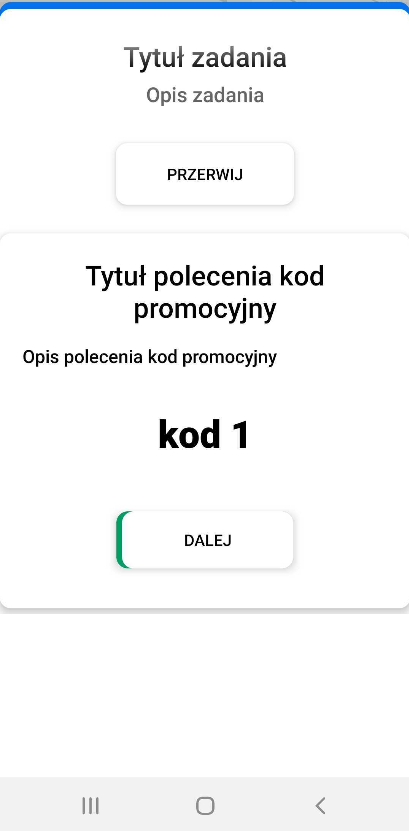
Command view in mobile app:
- Command view before generating the promo code
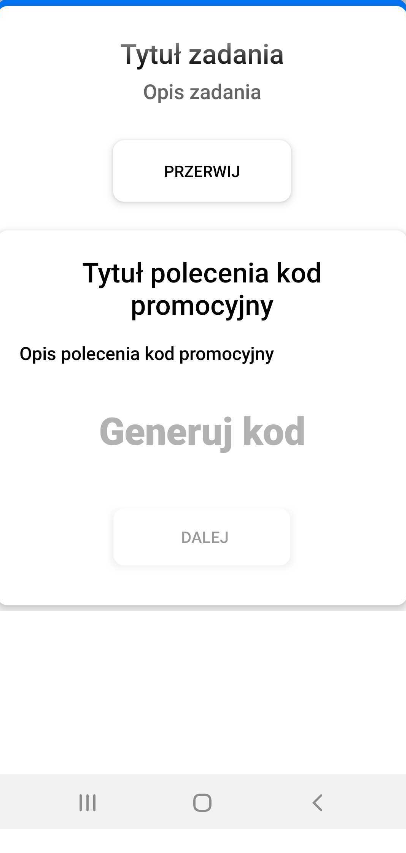
- Command view after clicking on ‘Generate code’