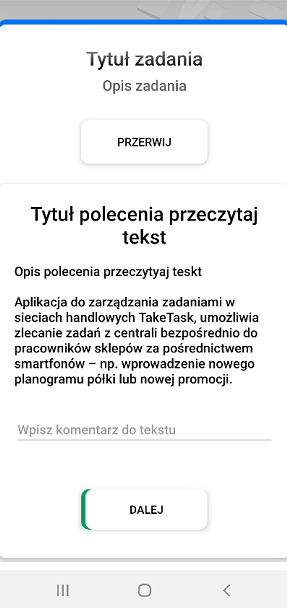
Read Text command
The Read Text command allows you to insert long texts for users. This command does not require any specific “action” to go to the next command. The user only needs to read the text.
It can be used as a command to provide instructions on how to do something.
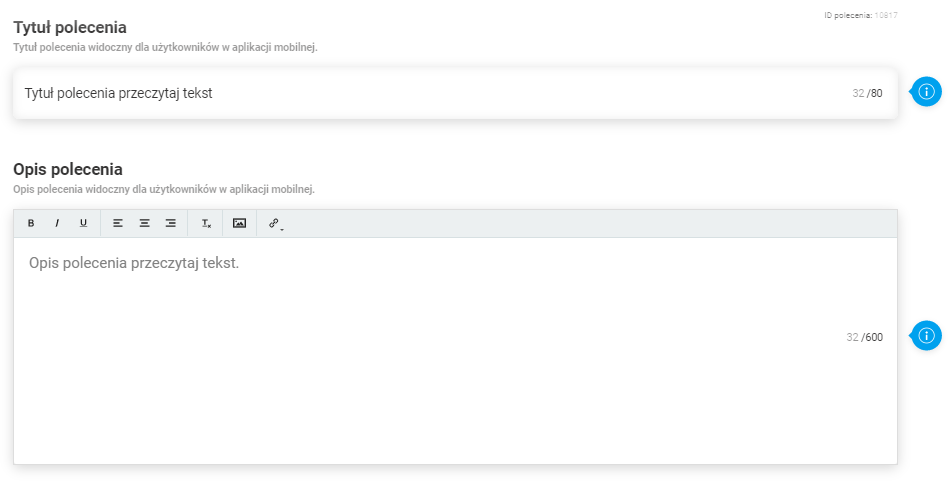
Parameters required for configuration:
- Command title (up to 80 characters)
- Command description (up to 600 characters)
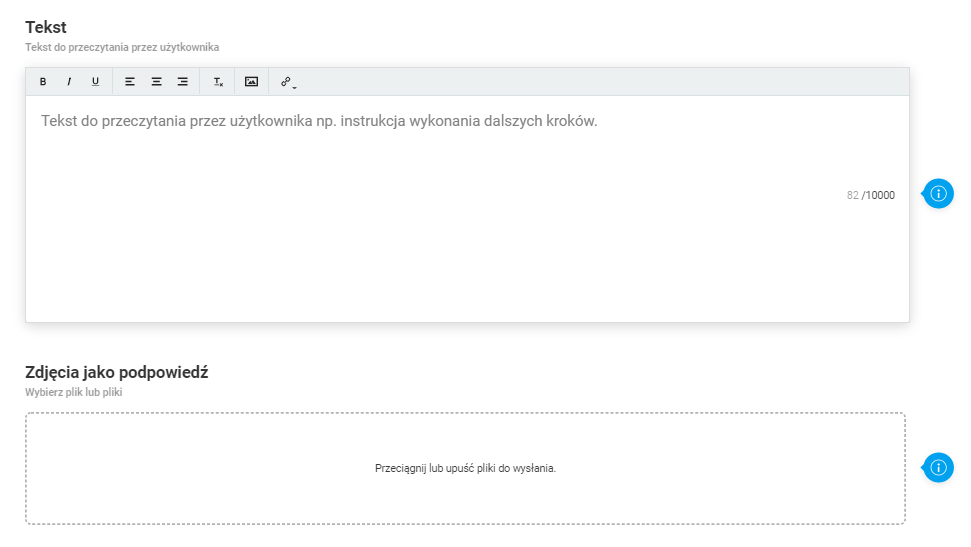
Optional parameters for configuration:
- Text - Text to be read by the user
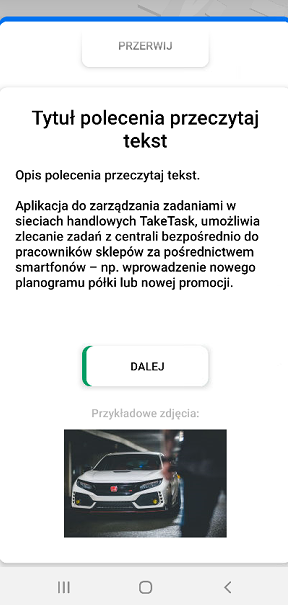
- Photo as a hint
Optional parameters in advanced settings:
- Optional command
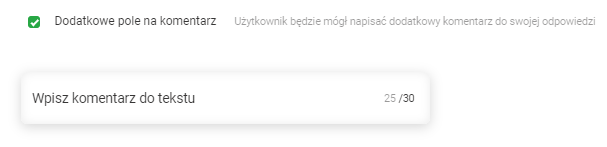
- Additional comment field
- Order in reports
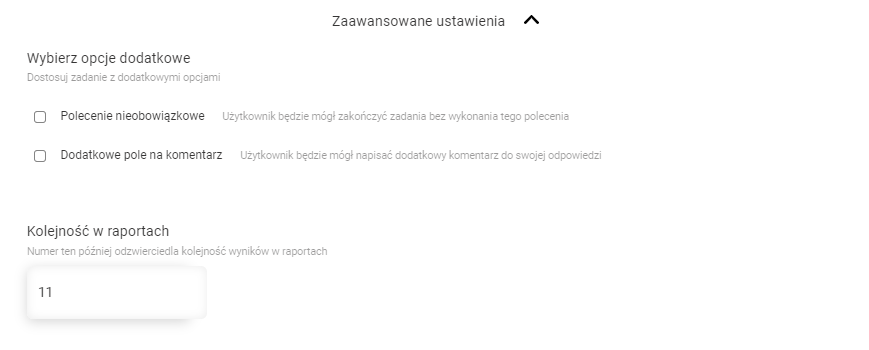
Please Note: When you add an additional comment field, you will be able to enter a hint, which will be displayed in the additional comment field.
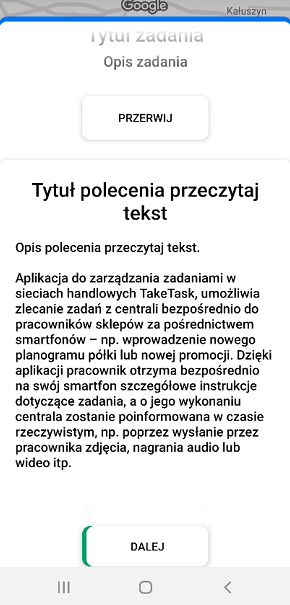
View of the command in the mobile app:
- Standard view of the command in the app
- View of the command with a photo as a hint
- View of the command with an additional comment field