Open Question command
On this page
The Open Question command is a basic command where you can ask the application user about any issue and the user has a large text field in which to answer.
The text field accepts any combination of characters and there is no limit to the number of them. In the mobile app, a keyboard with letters appears by default. The Open Question command can be combined with any other command(s) without limitations. It is ideal for instance, for a descriptive satisfaction/feedback survey or for a Mystery Shopper visit review.
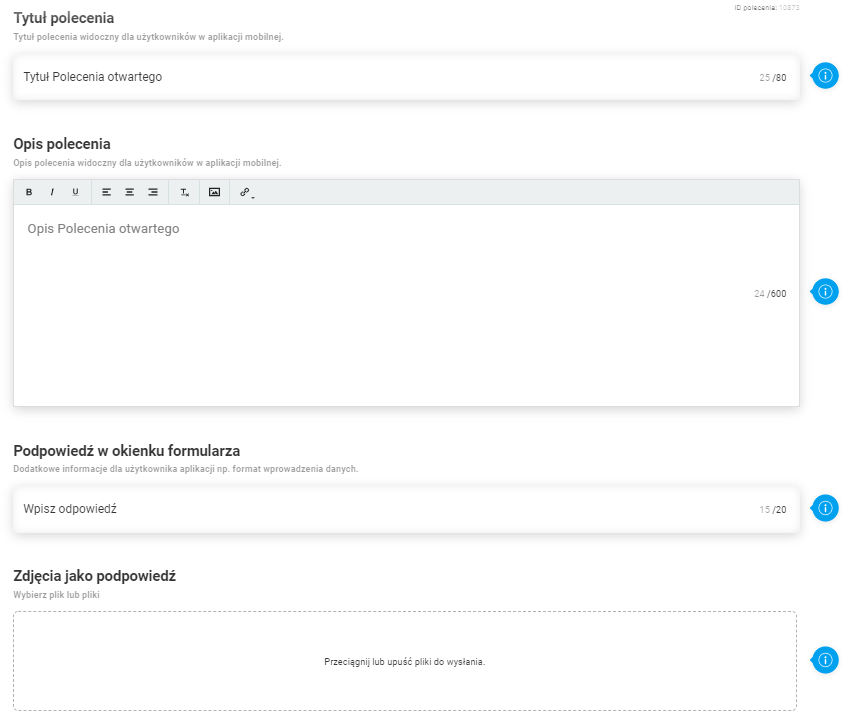
Main command configuration parameters:
- Command title (up to 80 characters)
- Command description (up to 600 characters)
- Hint in the form window - field, where we enter the hint for the user (600 characters)
- Photos as a hint
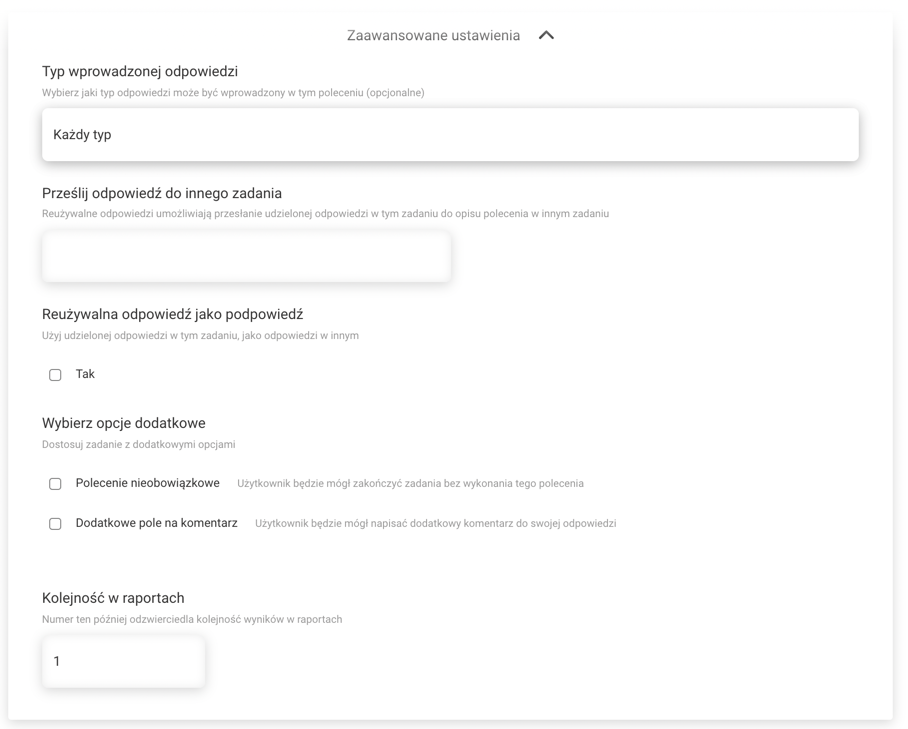
Advanced command configuration settings:
- Type of response entered - Allows you to control the type of response entered. At the moment it is possible to validate the Ares email response type.
- Send your answer to another task
- Useful answer as a hint
- Obligation of command
- Additional comment field
- Order in reports
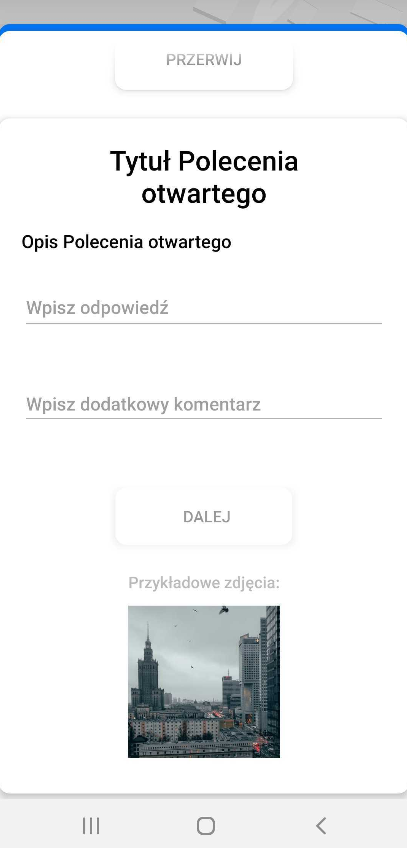
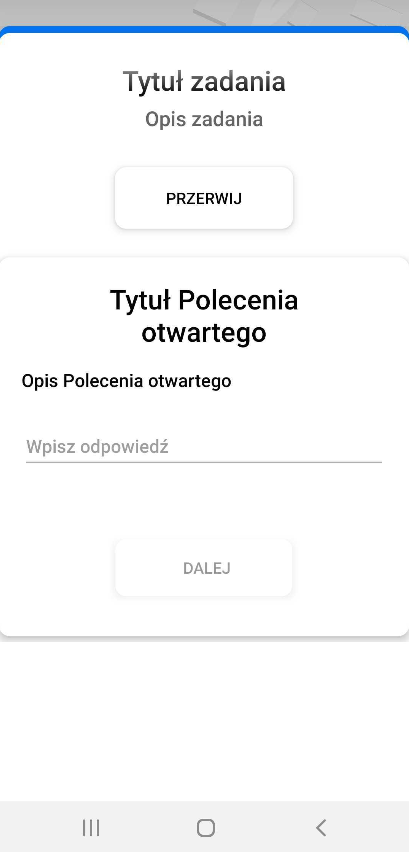
Command view in mobile app (from left)
- General view of the command before execution
- View of the completed command with a photo as a hint
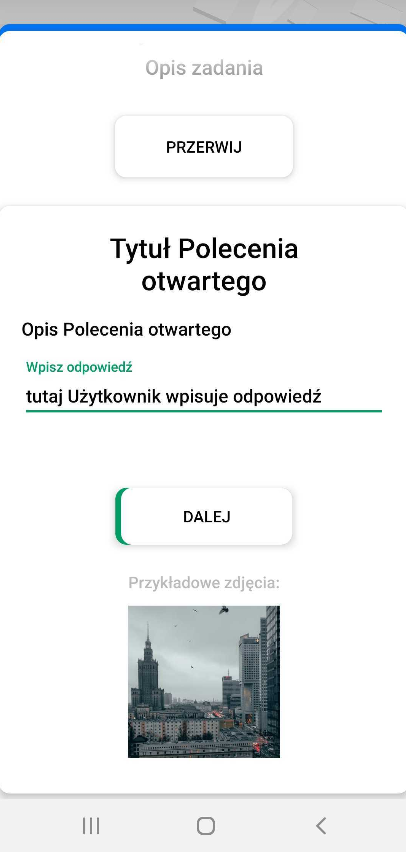
- View of the command with photo as a hint and a field for additional comment