
PDF report of task execution
On this page
This article covers generating PDF reports of executed tasks.
E-mail appearance
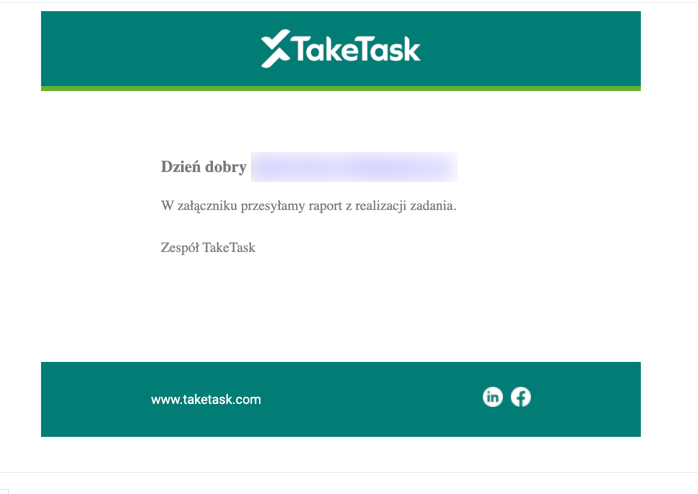
Configuration:
EnableOneTimeExecutionReport - turns on report generation. It takes the form of a “slider” and can take the values true or false.
- true - reports can be generated (the slider is “on”),
- false - reports cannot be generated (the slider is “off”).
TaskIdsToSendOneTimeExecutionReport - IDs of the tasks for which the report is to be generated. They are separated by commas, e.g. 1480,1099.
TargetsToSendOneTimeExecutionReport - list of users to be notified. It can take the values 0 or 1.
- 0 - people assigned to the location where the task was executed, except the person executing the task.
- 1 - people with the “MobileUser” permission assigned to the location where the task was executed (except the person executing the task).
OneTimeExecutionReportTarget - sending to users with the “MobileUser” permission associated with the location.
EnableOneTimeExecutionReportTargetsFromAnswer - option to “take” the e-mail address from an open command in the task. It takes the form of a “slider” and can take the values true or false.
- true - the report can be sent to the e-mail address entered in a specific open command (the slider is “on”),
- false - the report cannot be sent to the e-mail address entered in a specific open command (the slider is “off”).
TaskIdsWithCommandIdsToGetEmailTargetForOneTimeExecutionReport - IDs of the tasks from which the report is to be sent and the ID of the command from which the e-mail address is to be taken. It has the following format:
[{“taskId”:taskID, “answerCommandId”:commandID}], e.g. [{“taskId”:1100, “answerCommandId”:9115}].
SendOneTimeExecutionReportToExecutor - parameter responsible for the task report view for the person executing the task
Defining the recipient of the PDF report of task execution
For all users of the location, without the person executing the task, to receive the e-mail, use the following configuration:
- EnableOneTimeExecutionReport - true
- TaskIdsToSendOneTimeExecutionReport - add the ID of your task after a comma
(e.g. …1099,1390)
- TargetsToSendOneTimeExecutionReport - 1
For only the recipient whose e-mail address is defined in the open command to receive the message, use the following configuration:
- EnableOneTimeExecutionReportTargetsFromAnswer - true
- TaskIdsWithCommandIdsToGetEmailTargetForOneTimeExecutionReport - e.g. [{“taskId”:1100, “answerCommandId”:9115}]
APPLIES TO THE VISIT CARD TASK
For the people executing the task and their supervisors to receive the e-mail, use the following configuration:
- EnableOneTimeExecutionReport - true
- TaskIdsToSendOneTimeExecutionReport - add the ID of your task after a comma
(e.g. …1099,1390)
- VisitCardTaskId - add the task ID after a comma