
Exporting location groups
Exporting the data of Locations held in several location groups is the fastest way to get the data you need when it is spread across many groups.
-
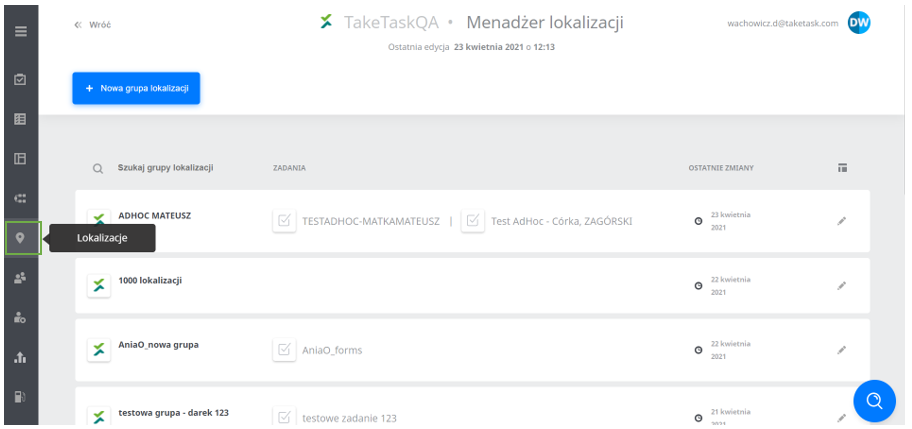
Click Locations to go to the location manager.
-
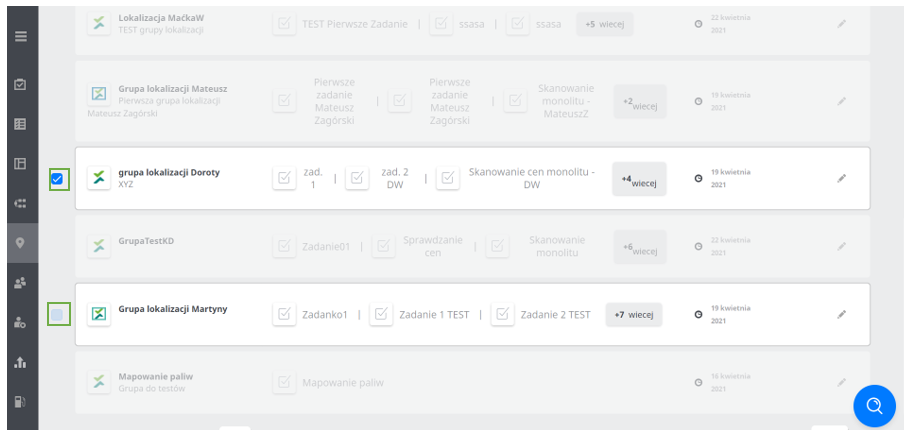
Tick the checkboxes of the location groups you want to export.
-
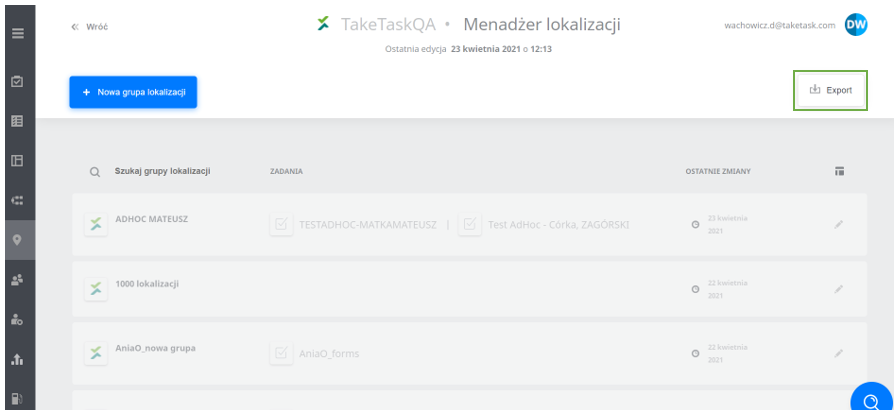
At the top right of the location manager, an Export button will appear; click it.
-
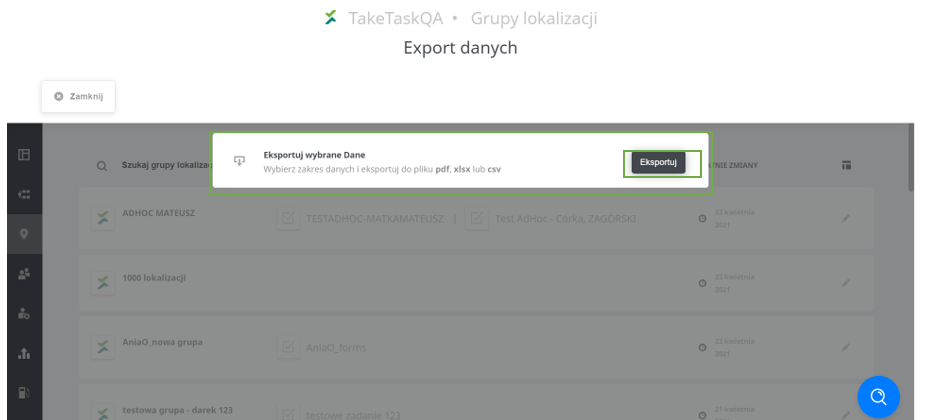
After clicking Export, you will be asked whether to export the selected location groups; confirm by clicking Export again.
-
Export the data by selecting the file format that suits you.
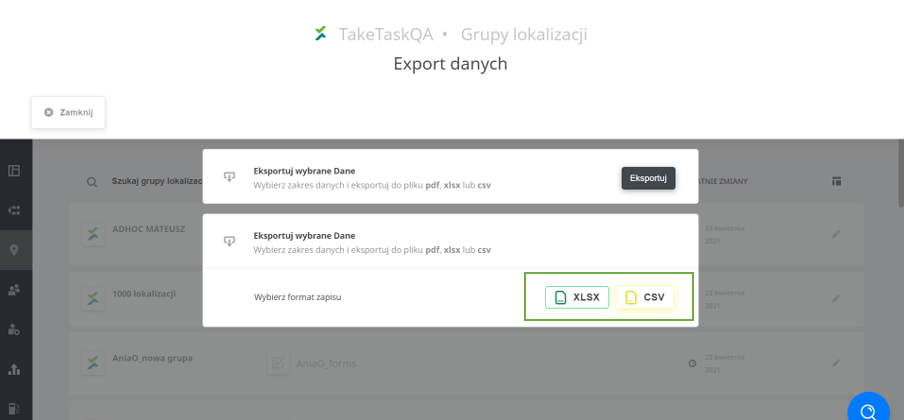
-
The data will be downloaded as a ZIP archive (1 file = 1 location group).
-
The export process is complete.
NOTE: The exported file uses the format of the standard location export file, and the set of downloaded columns cannot be changed
For the Export button to be visible, the user must have the Can export location groups permission.