Signature command
On this page
This command opens a field for the user to draw/write. It allows for getting a signature on the phone screen - the signature can be done with a finger or stylus. It is useful when wanting to confirm the identity of a user or a person served.
General command configuration parameters:
- Command title (up to 80 characters)
- Command description (up to 600 characters)
- Button text - The name of the field drawing button (up to 100 characters)
- Photos as a hint
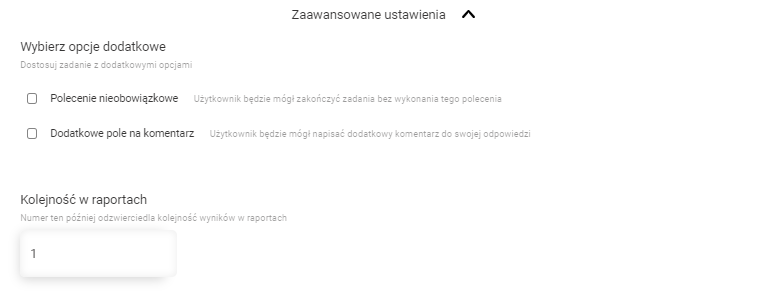
Advanced command settings:
- Optional command
- Additional comment field
- Order in reports
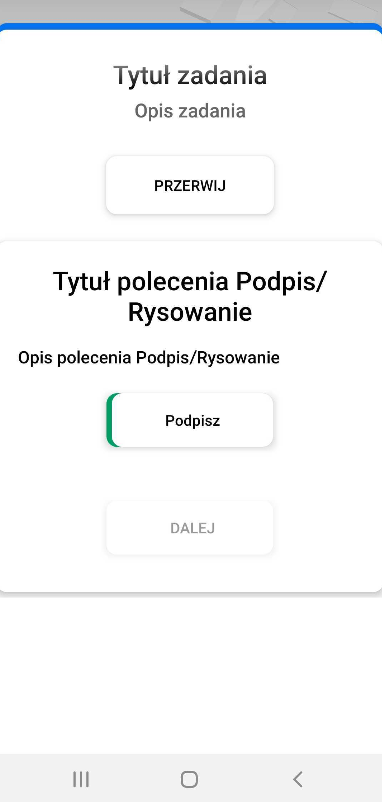
The command layout in the mobile app
- The appearance of the command in its basic form.
- The appearance of the window when you click on the ‘Signature’ button, allowing you to sign on it.
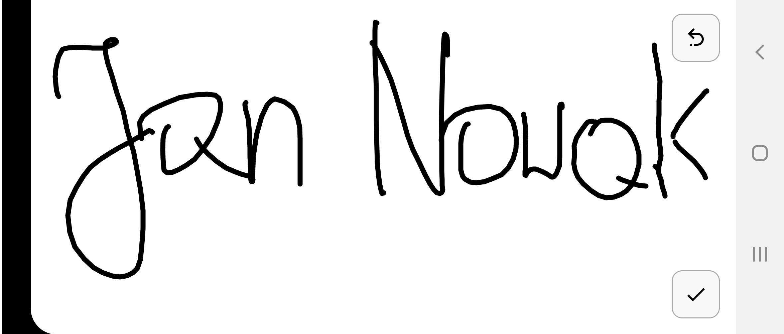

Button to delete the last drawn element

Signature approval button
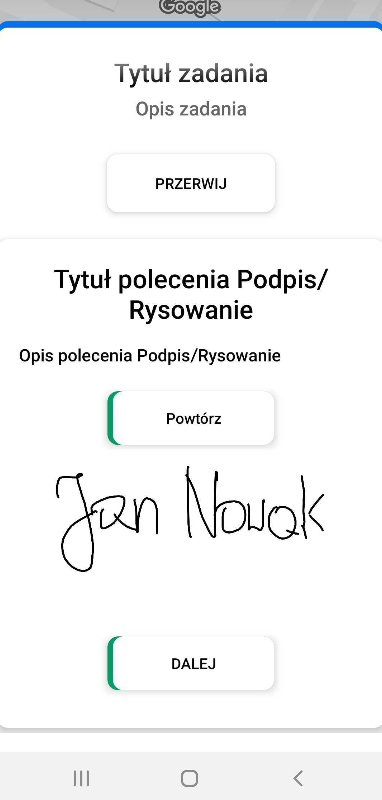
- Appearance of the command after the signature. The ‘Next’ button is active, which allows you to move to the next command or finish the task.