
Setting the generator to English
The latest version introduced the ability to change the language of the generator settings. The change itself is very simple and can be made quickly.
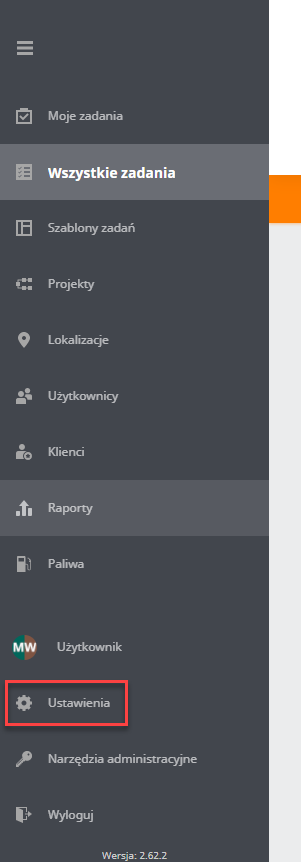
To change the generator language to English, go to the “application settings”.
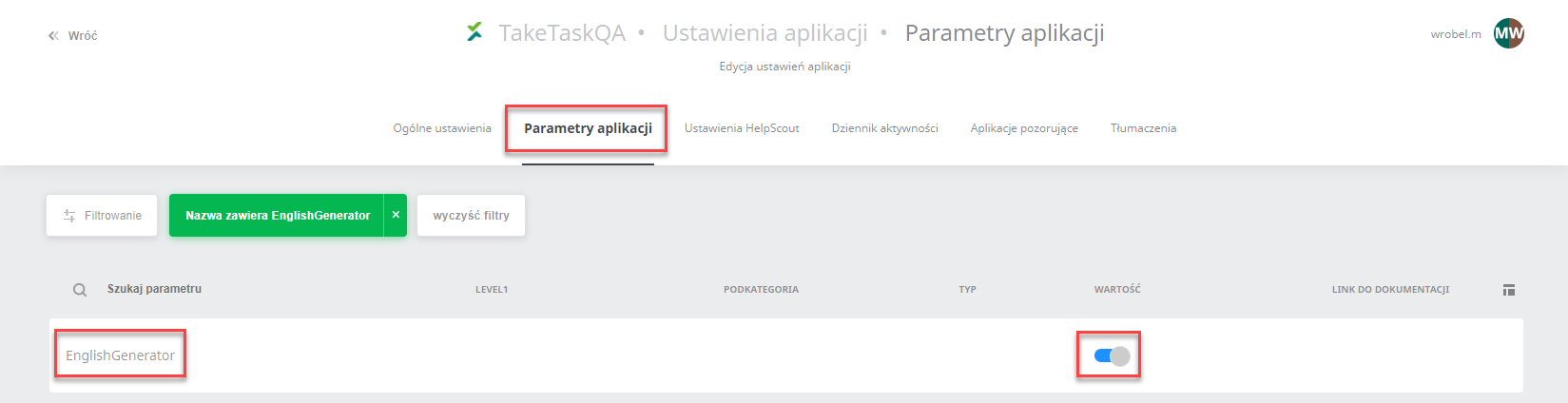
 Then go to the “application parameters”, find the “EnglishGenerator” parameter and enable it
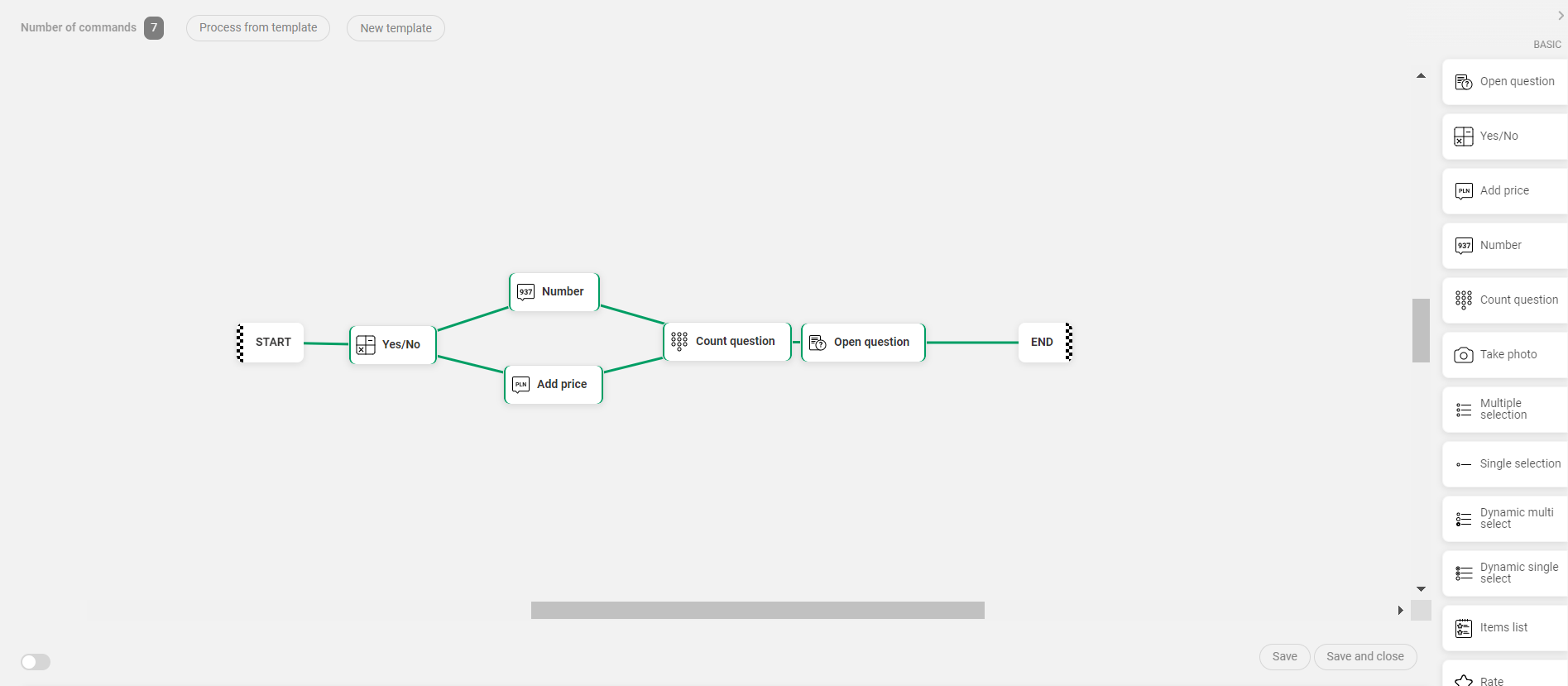
 When you go to the generator, all texts will be displayed in English.
IMPORTANT: Changing the generator language applies to the entire instance. The generator language cannot be changed for an individual user only.