
Photos for verification
View available under All Tasks –> Task Verification –> Photos to verify.
The aim of this view is to present (only) pictures and graphic images taken within the answers given in the task. The photos are arranged in rows, the number of photos can be changed by the filter marked with an arrow on the picture. Each photo is also marked with the information about the location of the execution. The export button will download the visible photos (according to the filter) to the zip file. Note that this process can take quite a long time depending on the size of the photos.
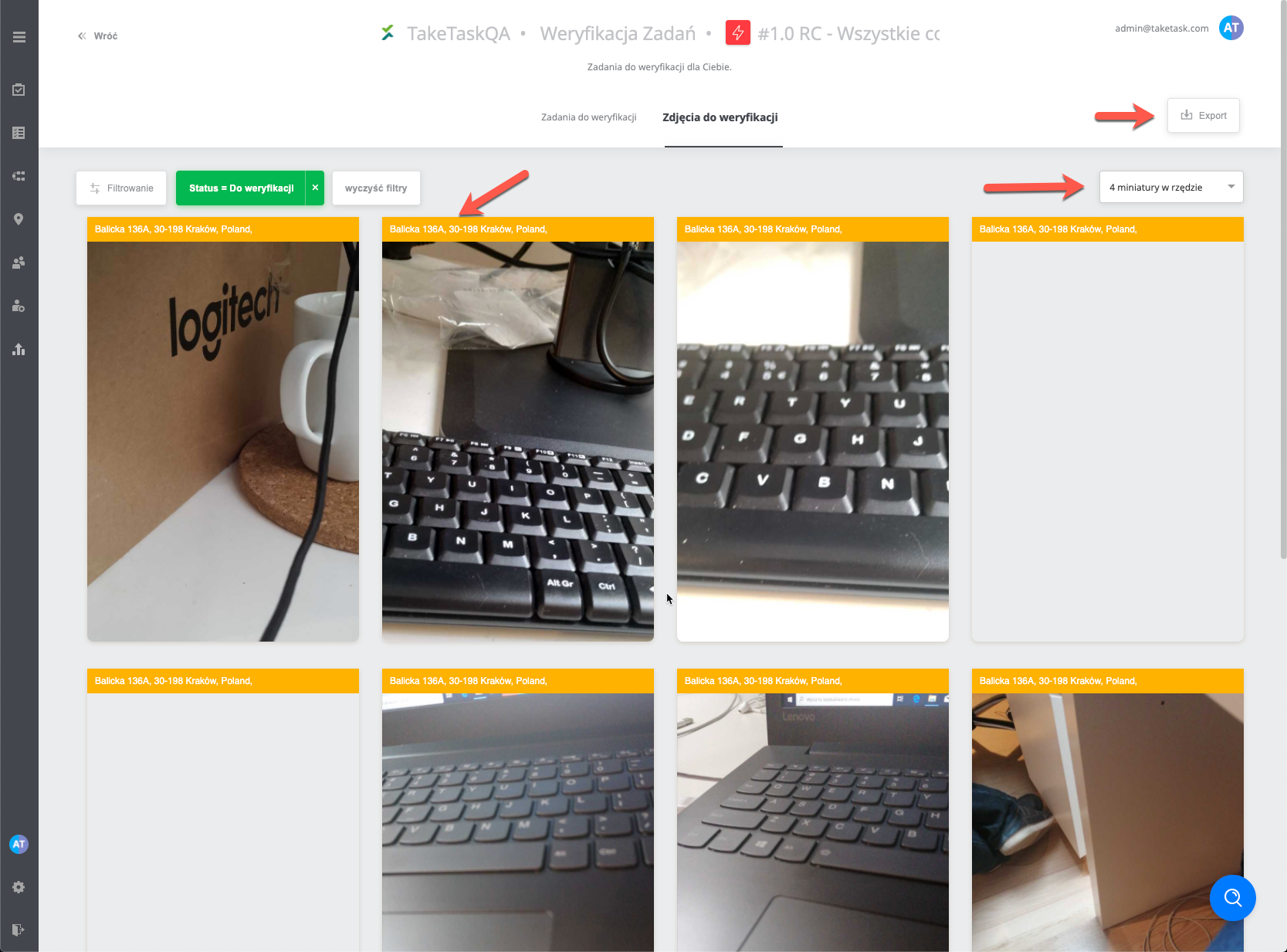
Input has no influence on the status of the task, it is a view that allows only more convenient photo browsing.