
Onboarding a new employee
The TakeTask application allows you to create a task that can be used to provide basic information useful to new employees (onboarding a new employee). In this way, we can optimise the time of performing activities because it is not necessary to have a personal conversation with the employee, only a task will be made available for a large number of employees, which will allow to present basic information in a quick way.
To create such a task, the task parameters must be configured.
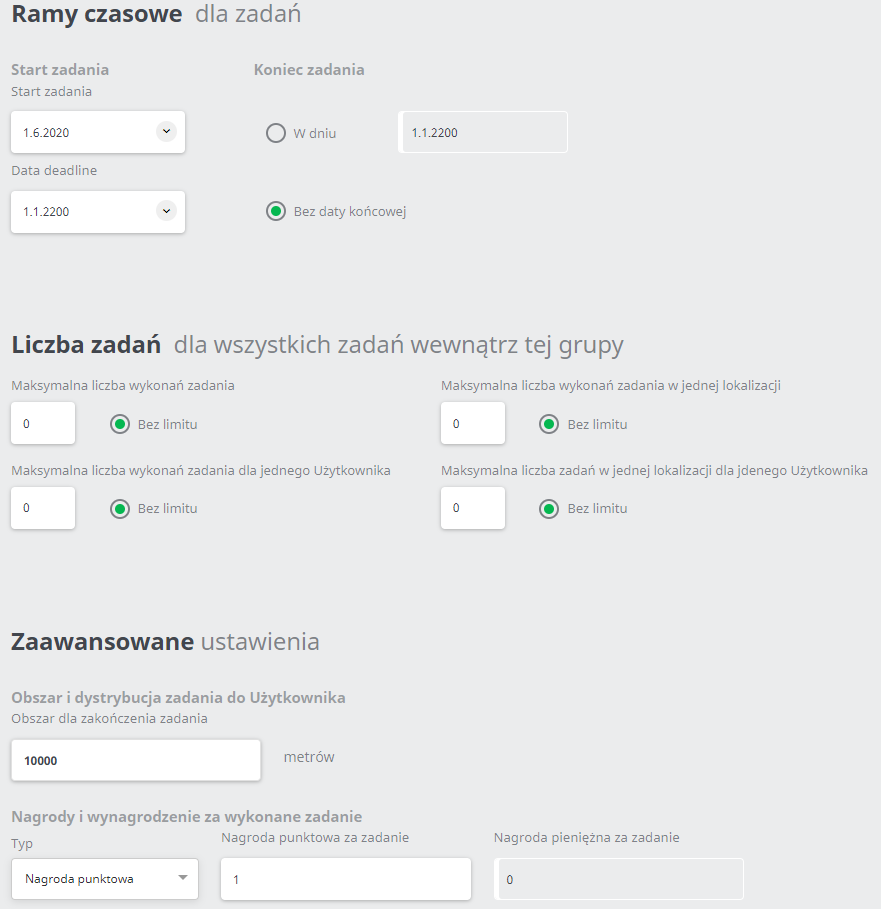
For example, the configured general settings and the task parameters:
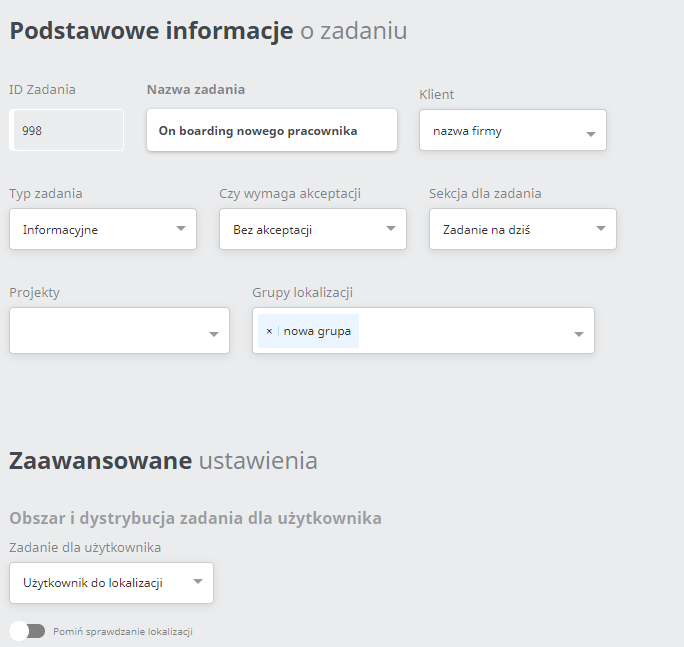
For example, in the configured task parameters, the typeof information task has been set.
For example, the created process in the task generator:
The process consists of the following commands:
- START - In this command we define the title of the task that will be displayed in the mobile application and a description of this task.
- Read text- This command allows you to display the information to be read. In this case, there is introductory information about the company.
- Read Text - In this case there will be a more detailed description of the company, i.e. what exactly the company does.
- Multiple Selection - The user can choose several answers (for example, which devices he received).
- PUBLISH - This command ends the task.
View in mobile application: