
Login server selection screen
The new application version 2.57 brings a change to server selection right after the application is installed. The screen is available to customers who want to split traffic across different servers (depending on, for example, the country).
When you open the application, the Login server selection view appears:
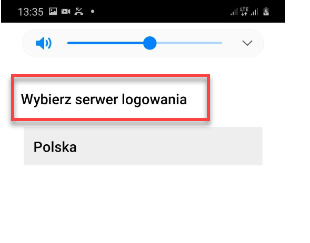
The default server and the language of the text “Select login server” are set automatically based on the phone’s language. You can change the default server by tapping its name. A list of servers to choose from will then appear.
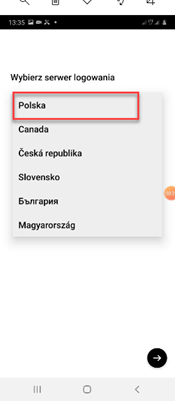
To change the previously selected server, log out of the application. The login server selection screen will appear again. After selecting a server, you can enter your login and password.