LGS - LocationGroupSetting
LGS, or LocationGroupSetting - where can we find it?
Go to the “All tasks” tab -> “Edit task” and go to the “Task parameters” section. The LGS number is at the very bottom of the section.
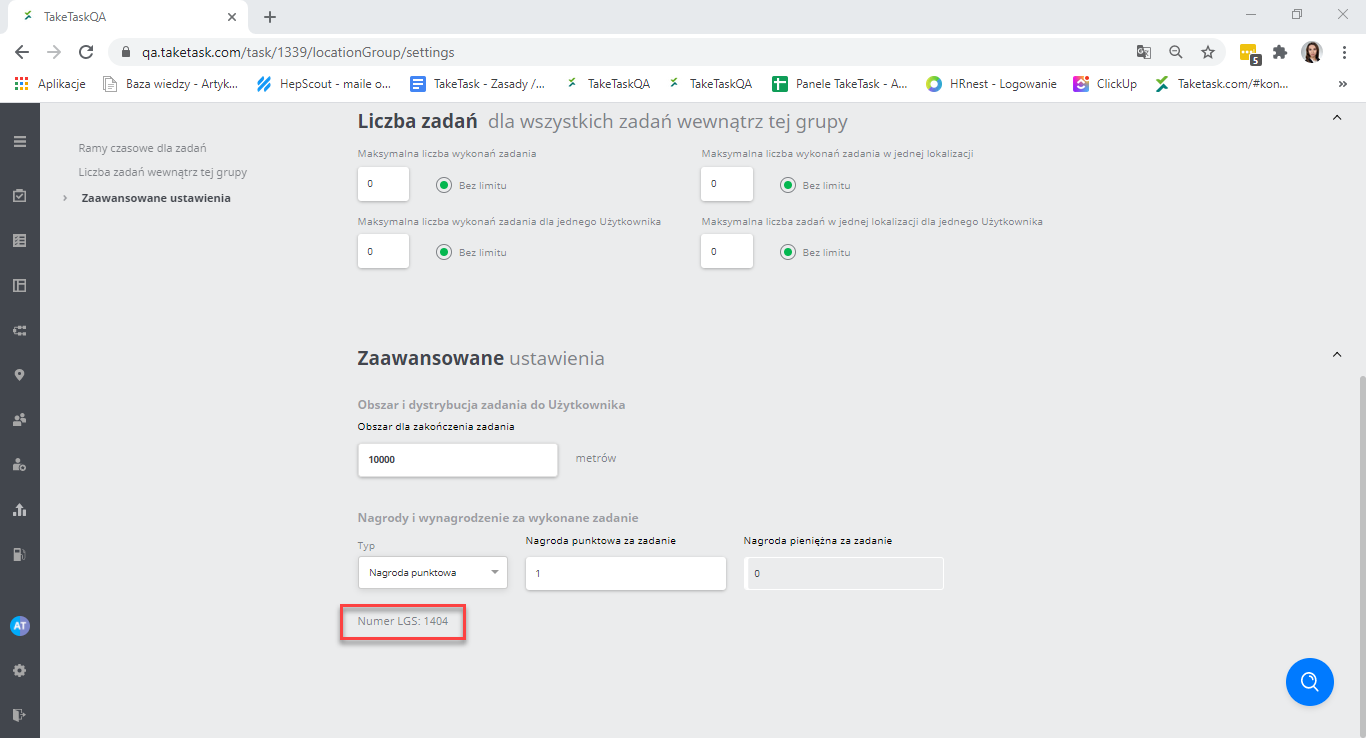
Note: remember that the number shown in the path is not the Location Group Settings number; it is the task ID. Do not confuse the two.
Some instances do not show the LGS number in this place. In that case, find it using the second method.
Method II
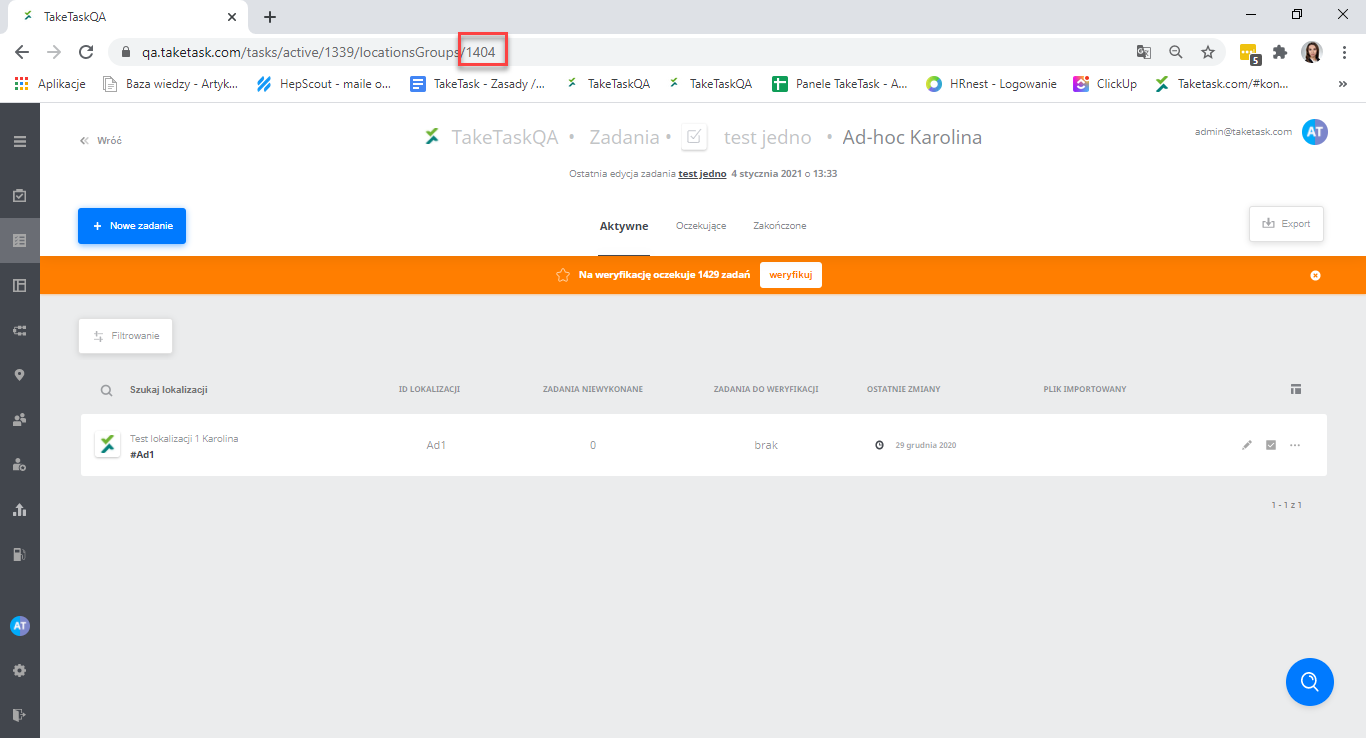
In the “All tasks” tab view, click the task name. After clicking the task name, the name of the location group assigned to the task will be shown. Click the name again, this time the name of the location group. The number displayed in the path is the LGS number.