Add File command

Functionality from version 2.62
The Add File command allows the user to add a file from the device as a response to a task that has already been started. It can be combined with other commands or used alone as an option to upload files.
Please Note: A user can upload a maximum of one file in response to a single Add File command.
The main parameters of the task configuration are listed below:
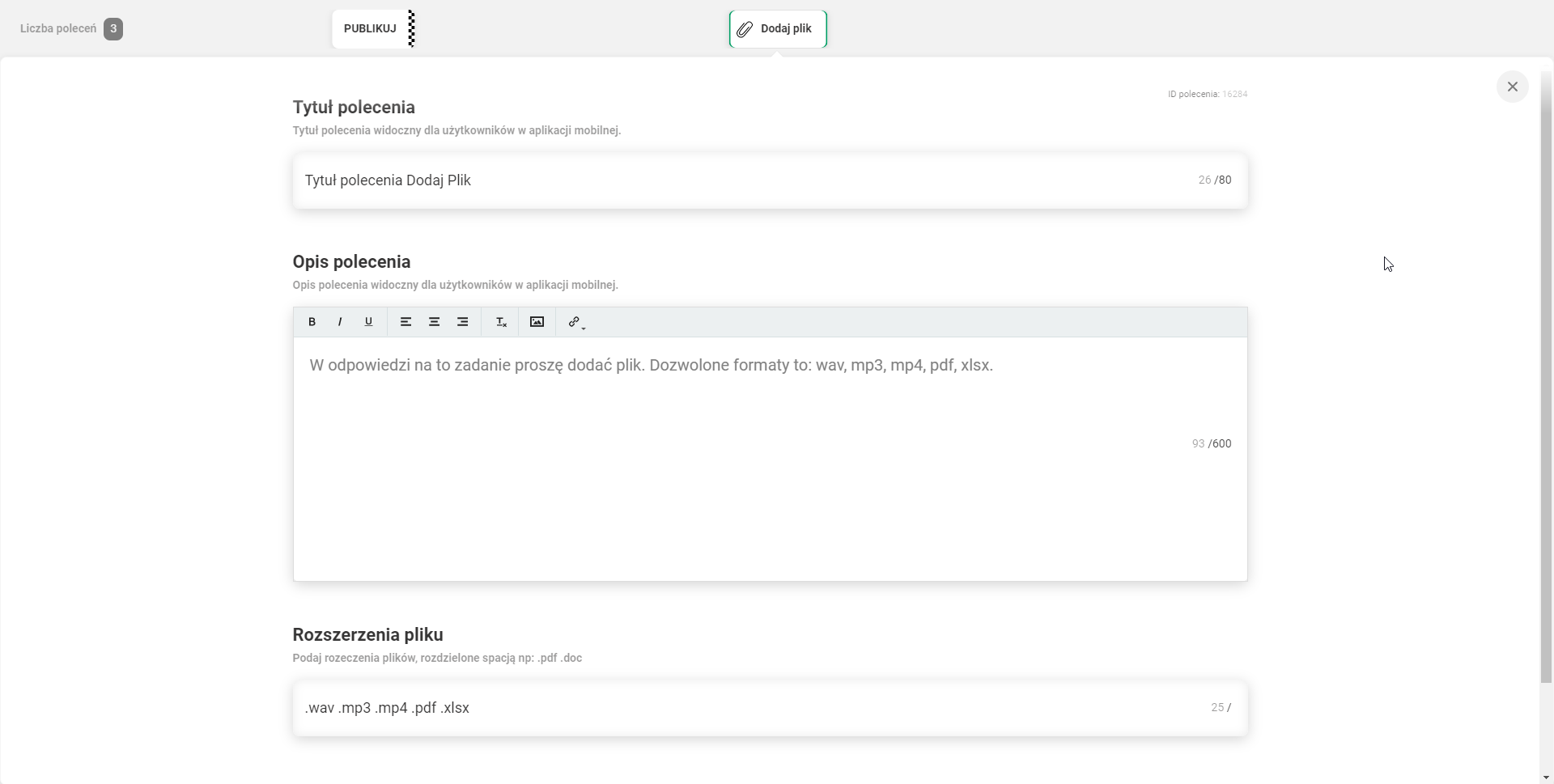
- Command title
- Command description - information about which file formats are supported by this command
- File extensions - list of acceptable file extensions (wav, mp3, mp4, pdf, xlsx)
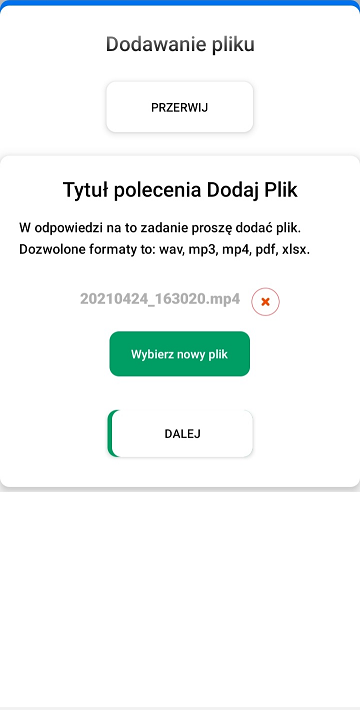
View of the command in the mobile app:
- View of the command before adding the file

- Command view after adding a file, option to delete and add a new file. Please be aware that you cannot add more than one file in a single command.