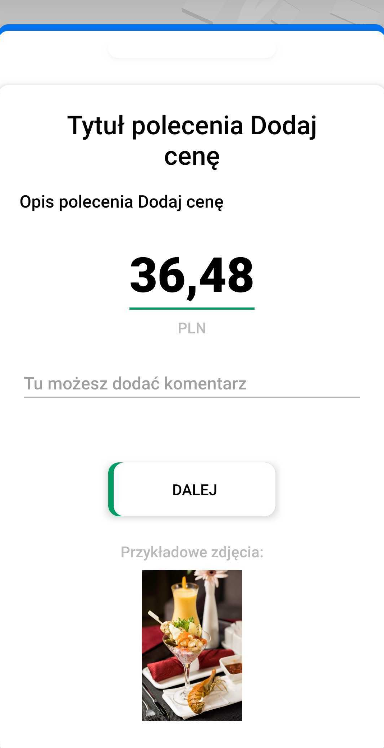
Add Price command
If you need your users to collect information about different types of prices, “Add Price” is the perfect command to use.
It creates a field for entering the price as a numerical value. The starting price is 0.00. Entering a number (e.g. 1) on the keyboard will give us 0.01 rather than 1.00, which makes entering prices much easier. They can be freely combined with other commands.
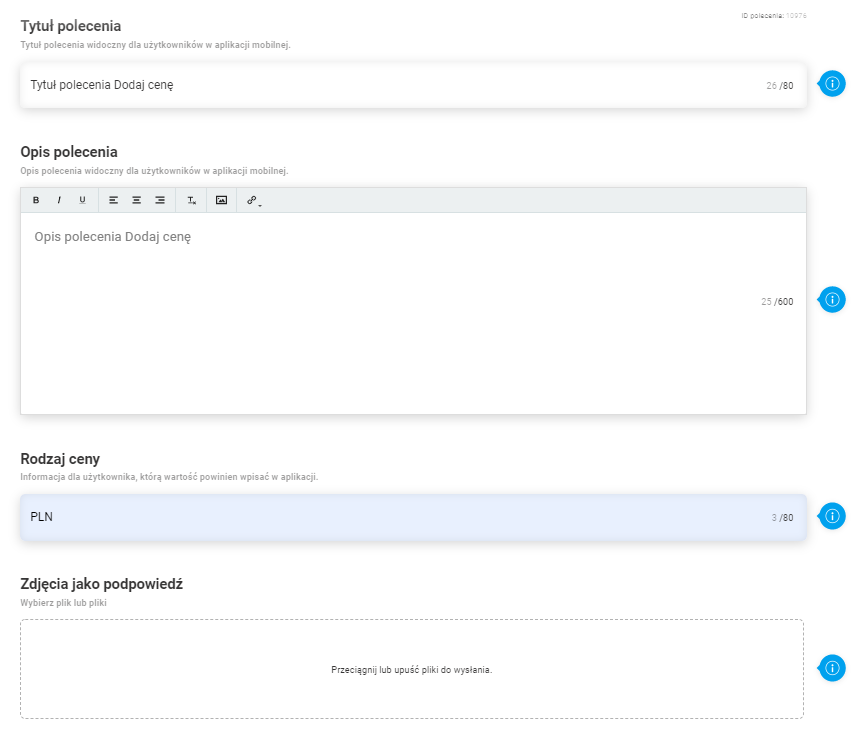
Main task configuration parameters:
- Command title (up to 80 characters)
- Command description (up to 600 characters)
- Price label e.g. promotional price, base price. You can also specify the currency here.
- Photos as a hint
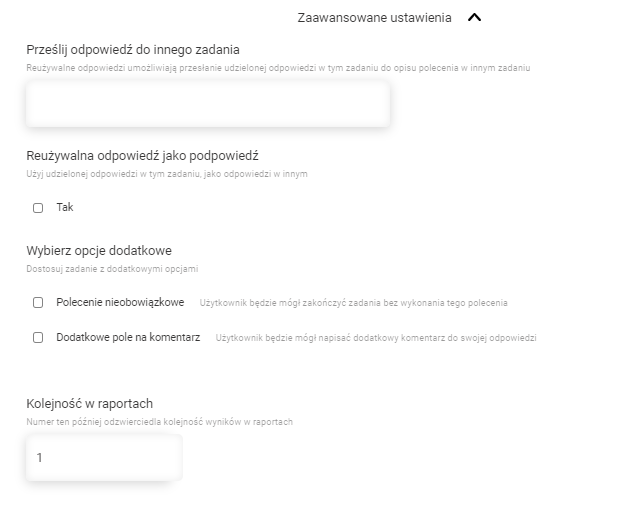
- Advanced task configuration settings
- Send your answer to another task
- Useful answer as a hint
- Optional command
- Additional comment field
- Order in reports
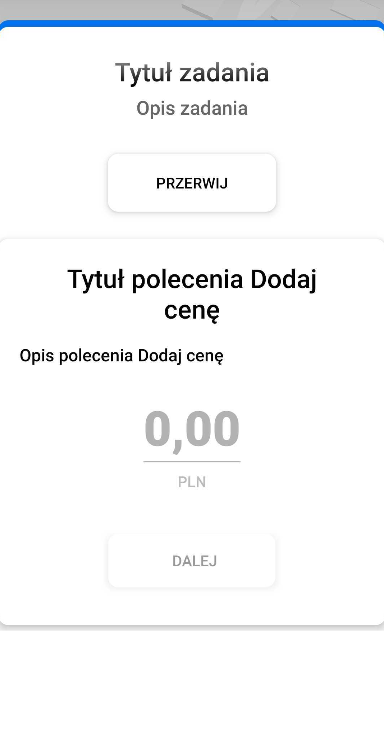
Command view in mobile application (from left)
- General view of the command before entering the price
- Command view with added graphic hint (graphic hints can be numerous, they will be arranged in a gallery in the form of a carousel)
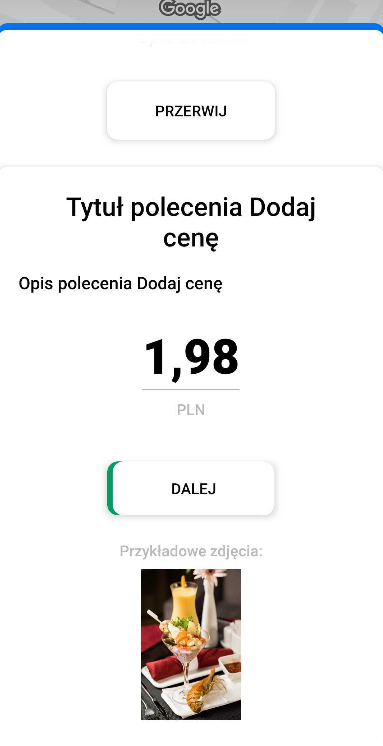
- Command view with graphical hint and additional comment field