Show optional executions in verification
General information
The visibility of optional commands in verification is managed with the “Show optional commands in verification” checkbox. For them to be visible during verification, this parameter must be enabled (the default setting). The parameter can be managed in Advanced settings when creating/editing a task.
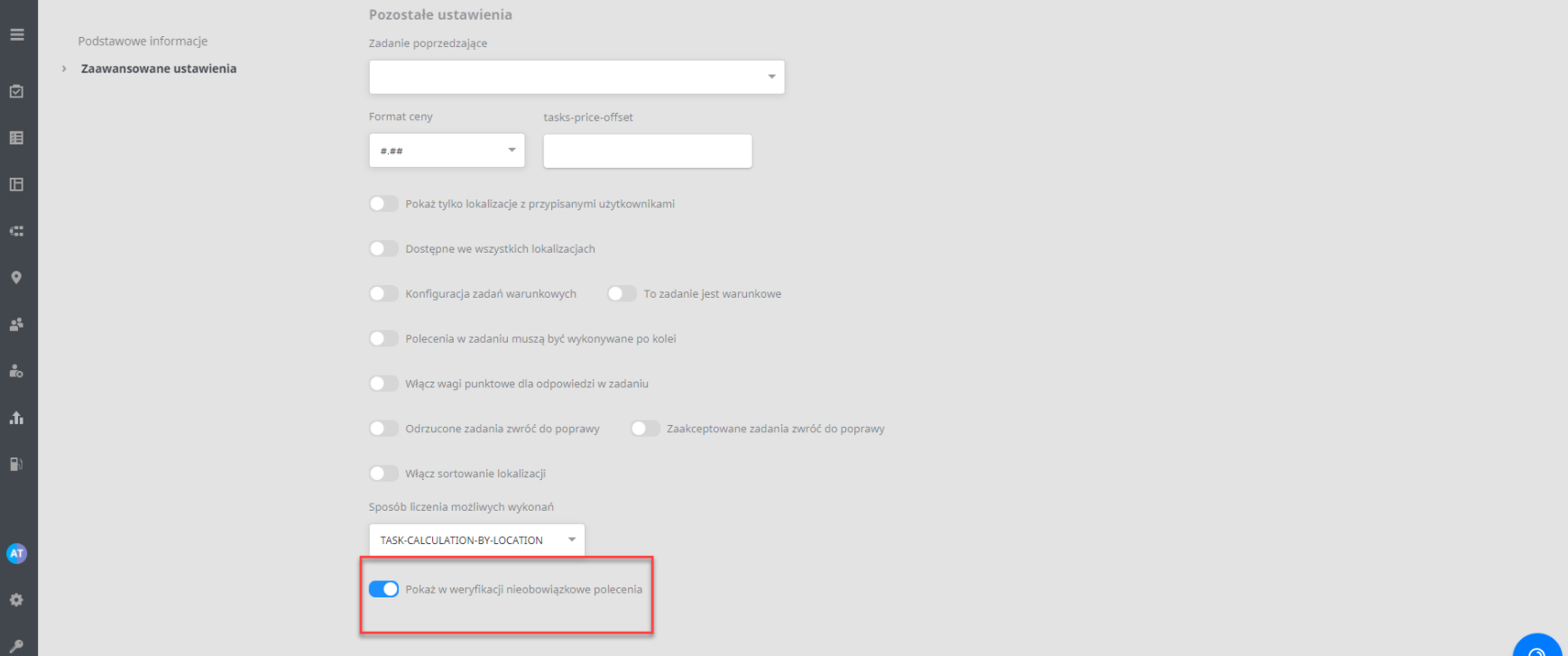
When the checkbox is enabled, verification includes the commands that were optional, both those filled in and those skipped (with the “Next” button).
View of optional commands in verification
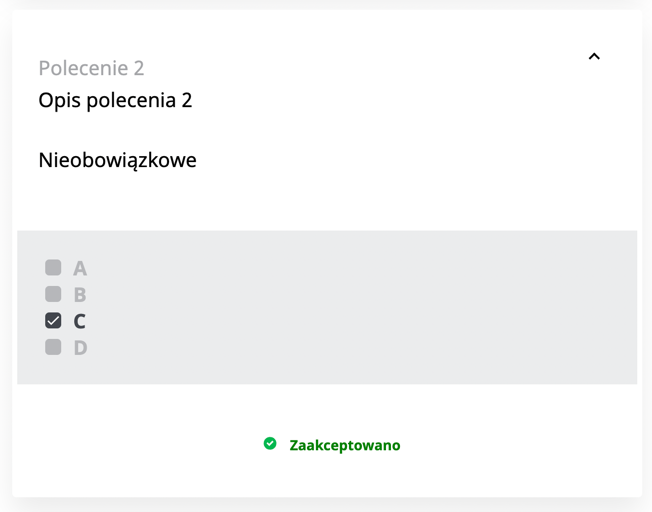
When an optional command was filled in by the user, the value entered in the optional command appears in verification.
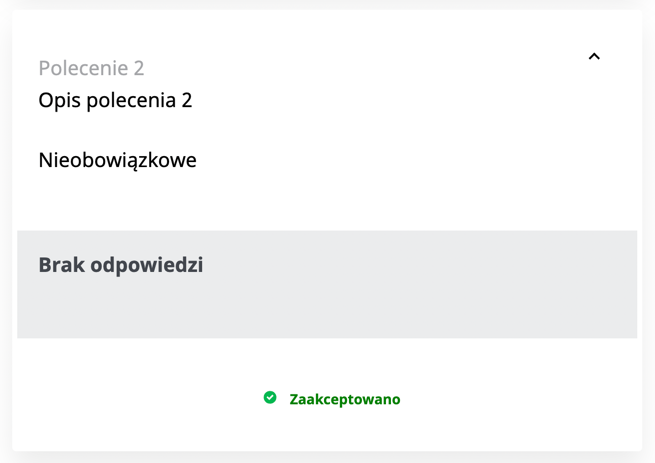
When an optional command was not filled in by the user, the note “No answer” appears in verification.