
Password policy
User passwords are the basic protection of data in the web panel. In the ‘App Settings’ in the ‘App Parameters’ tab there are several options to help increase the security of used passwords.
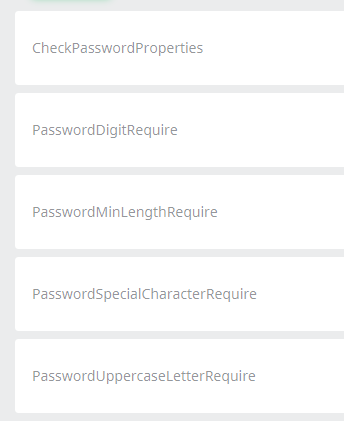
- Activates a function that requires certain values (from points 2 to 5) [CheckPasswordProperties].
- Required number in password [PasswordDigitRequire]. The password must contain at least one digit (0-9).
- Minimum password length [PasswordMinLengthRequire]. This option allows you to set the fewest number of characters that the password must have.
- Required special characters in the password [PasswordSpecialCharacterRequire]. The password must contain at least one special character: !@#$%^&*(){}[]|:“;’<>?/,.
- Requires a capital letter in the password [PasswordUppercaseLetterRequire]. The password must contain at least one capital letter (A-Z).