
How possible task executions are counted
On this page
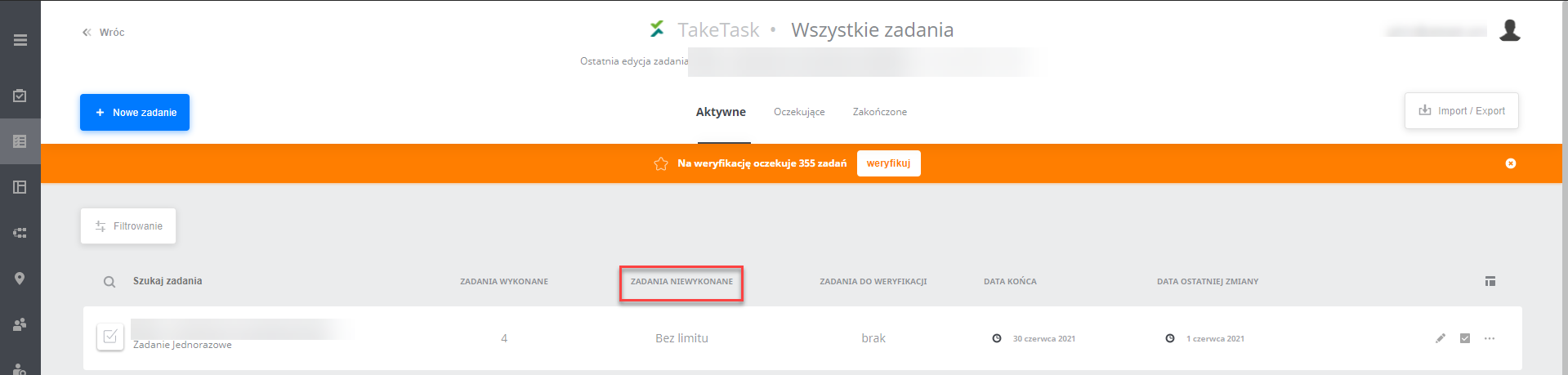
The parameter is used to choose how “not completed tasks” are counted for a specific task.
The parameter is located in General settings -> Advanced settings
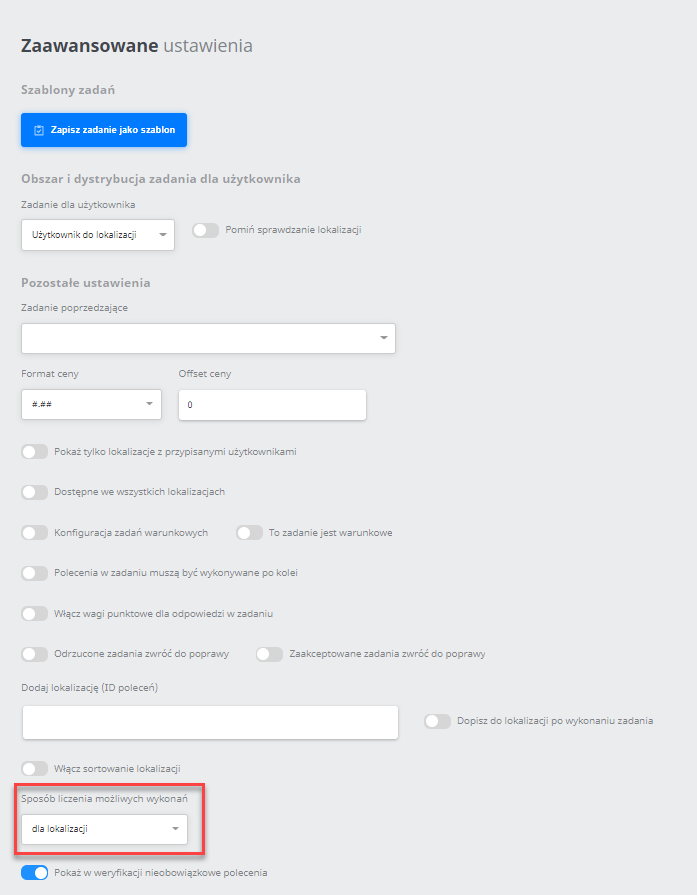
There are 2 methods of counting executions:
- per location
- per user
per location
- when this option is selected, the number of executions shows the product of the Maximum number of task executions in one location counter and the number of locations in the task.
-
[Maximum number of task executions in one location] * [number of locations] - [completed tasks] = number of not completed tasks - Example:
- counter
Maximum number of task executions for one User = 1 - 1 user is assigned to the new task and has many relations within the location group. There are 4 locations in the assigned location group
- one user, 4 locations in the group
- on the task list not completed tasks = 4
- A user group was added to the task, each of its users has a relation with a different location (4 users)
- on the task list not completed tasks = 4 (because the number of locations did not increase)
- The counter was increased
Maximum number of task executions for one User = 3 - on the task list not completed tasks = 12
- The user group with a relation to the location was detached
- on the task list not completed tasks = 12 (because the number of locations did not change)
per user
- when this option is selected, the number of executions shows the product of the Maximum number of task executions for one User counter and the number of users who have a relation with any location in the task.
-
[Maximum number of task executions for one User] * [number of users with a location&task&user relation] - [completed tasks] = number of not completed tasks - Example:
- counter
Maximum number of task executions for one User = 1 - 1 user is assigned to the new task and has many relations within the location group
-
- User added to 4 locations
-
- on the task list not completed tasks = 1
- A user group was added to the task, each of its users has a relation with a location (4 users)
- on the task list not completed tasks = 5
- A user group was added to the task, none of its users has a relation with a location (4 users)
- on the task list not completed tasks = 5
- The counter was increased
Maximum number of task executions for one User = 3 - on the task list not completed tasks = 15
- The user group with a relation to the location was detached
- on the task list not completed tasks = 3
NOTE:
To display this in the advanced settings, the following permission is required - CanChangeCounterRecalculationType (Can edit how counters are displayed)