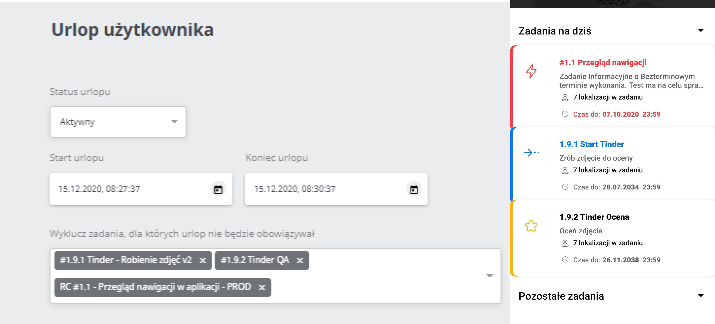
User Holidays
There are many reasons why temporarily excluding the User from tasks can be useful. Whether it’s a leave from work or being exempt from performing only a portion of tasks, the leave settings allow for this. While the leave is in effect, the User does not perform the excluded tasks, and no points are deducted.
To set a leave, go to the “User settings” tab in the edition of the selected user:
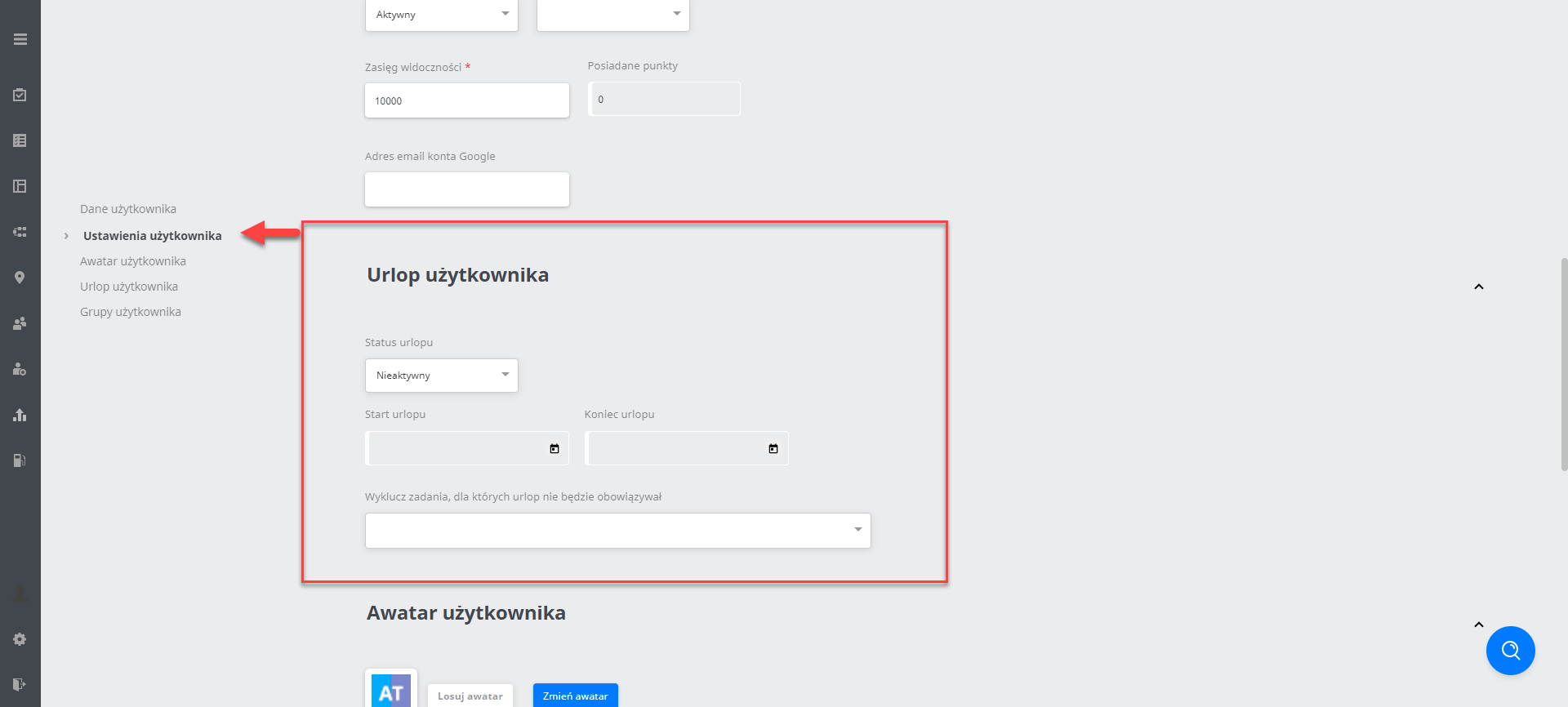
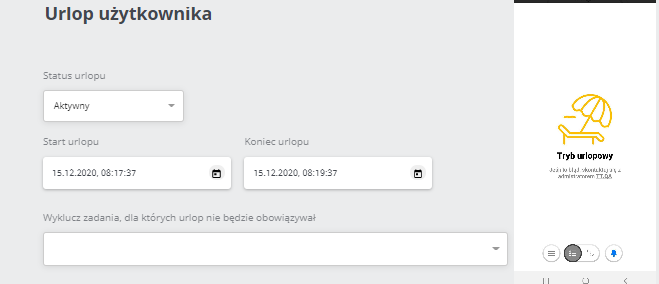
Vacation status: set active
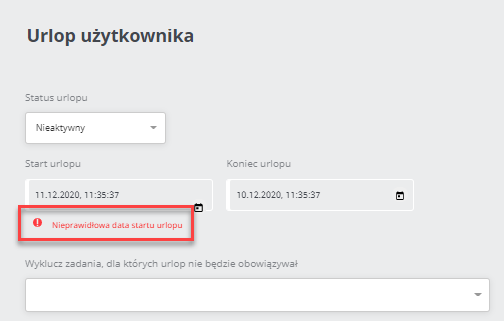
Vacation duration: note! The vacation end date cannot be earlier than the start date.
After setting appropriate vacation dates you can also exclude tasks, which will not be affected by vacation. This means that despite a vacation being set these tasks will still appear: