
Importing values to the 'Single Selection' command
Apart from the standard response creation to the ‘Single Selection’ command, we can also import a .csv file with response labels. Just press the ‘Import’ button in the command’s settings:
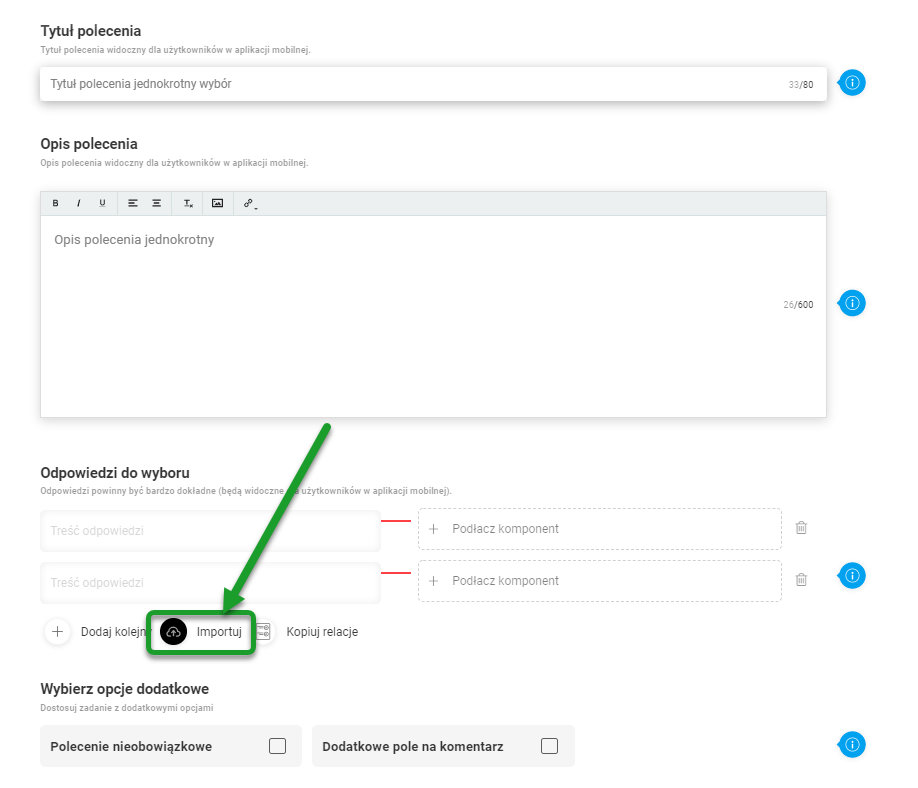
Next, select a previously prepared file with response labels. It is worth remembering that you still have to assign the commands to the answer by yourselves, the file must be saved as .csv UTF-8. The file pattern is described within the link below.