Importing e-mail addresses to the 'Notification' Command
One of the options in the ‘Notification’ command is to import e-mail addresses to which notifications are to be sent.
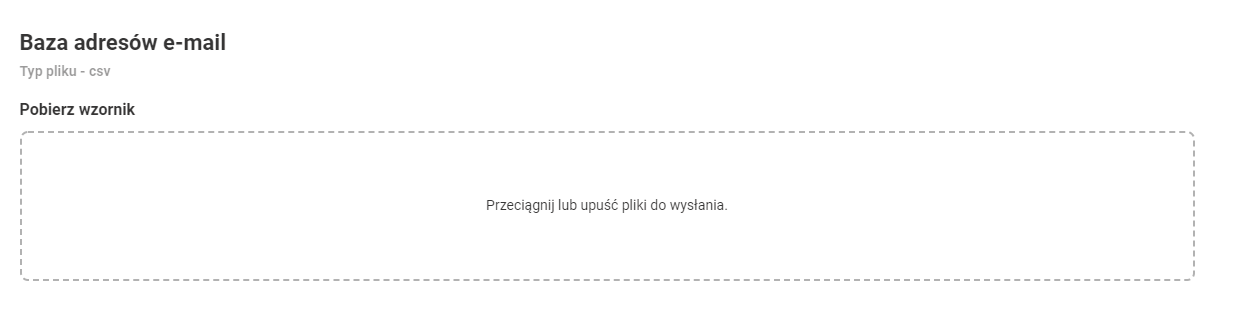
The file we have to import (it is possible to download the template) has the following form:
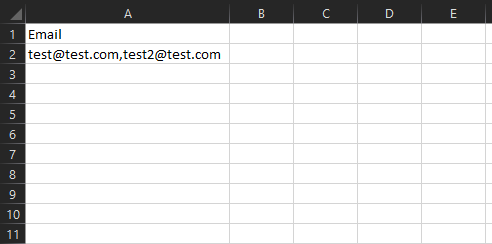
Subsequent e-mails are written with a decimal point in one cell and the file is saved as .csv in UTF-8 encoding.
Please Note: Separate the values in one column with commas, not semicolons.
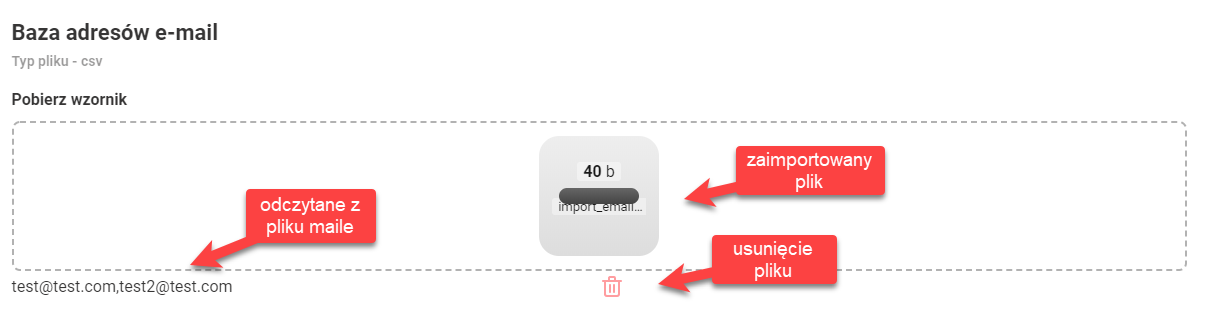
After uploading the file you will get the view as below: