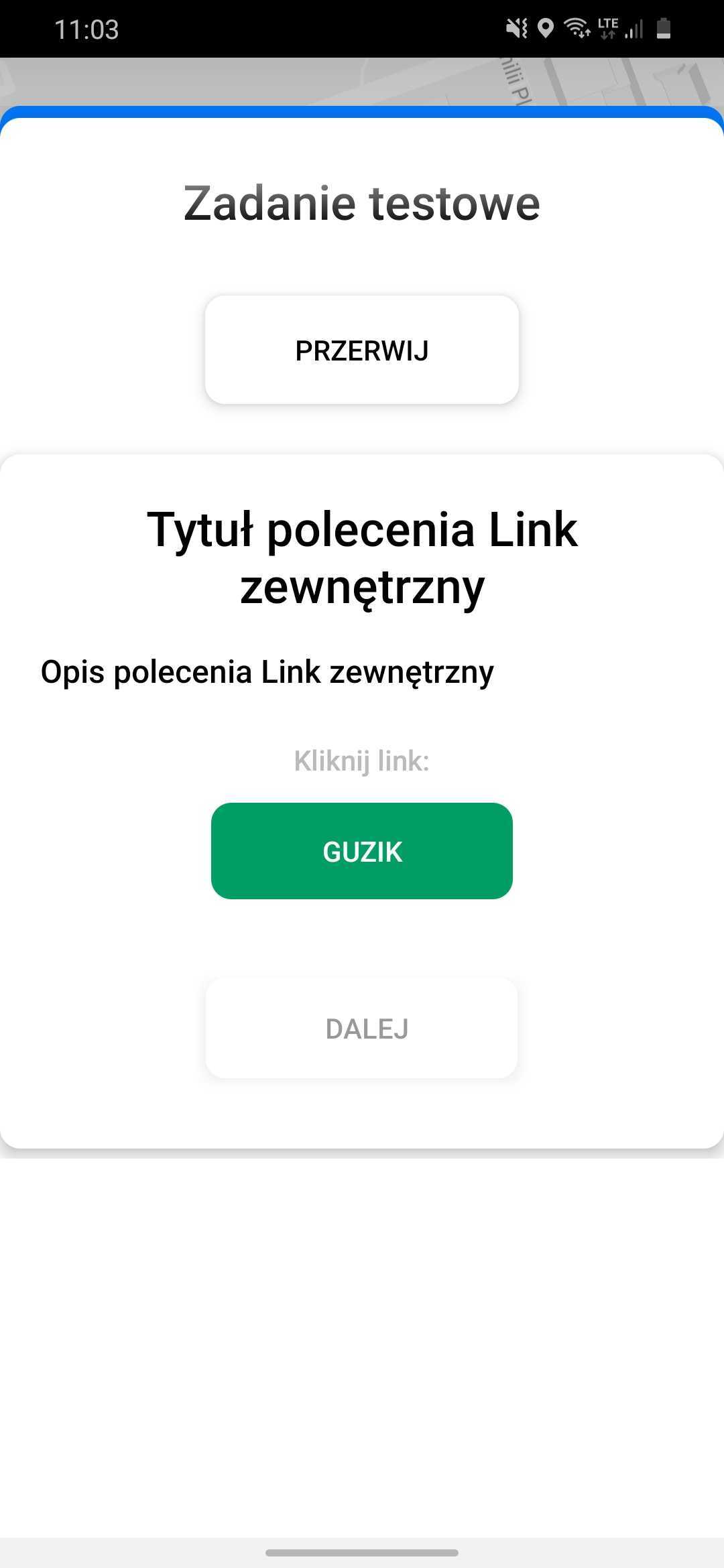
External link command
On this page
External Link command
The External Link command is one of the commands available in the Task Generator. In addition to the command title and description, a button is available. Pressing that button takes you to the selected page.
Main command configuration parameters:
- Command title
- Description of the command
- Link configuration - button name in mobile application
- Are you importing links from a file?
- Space for an external link
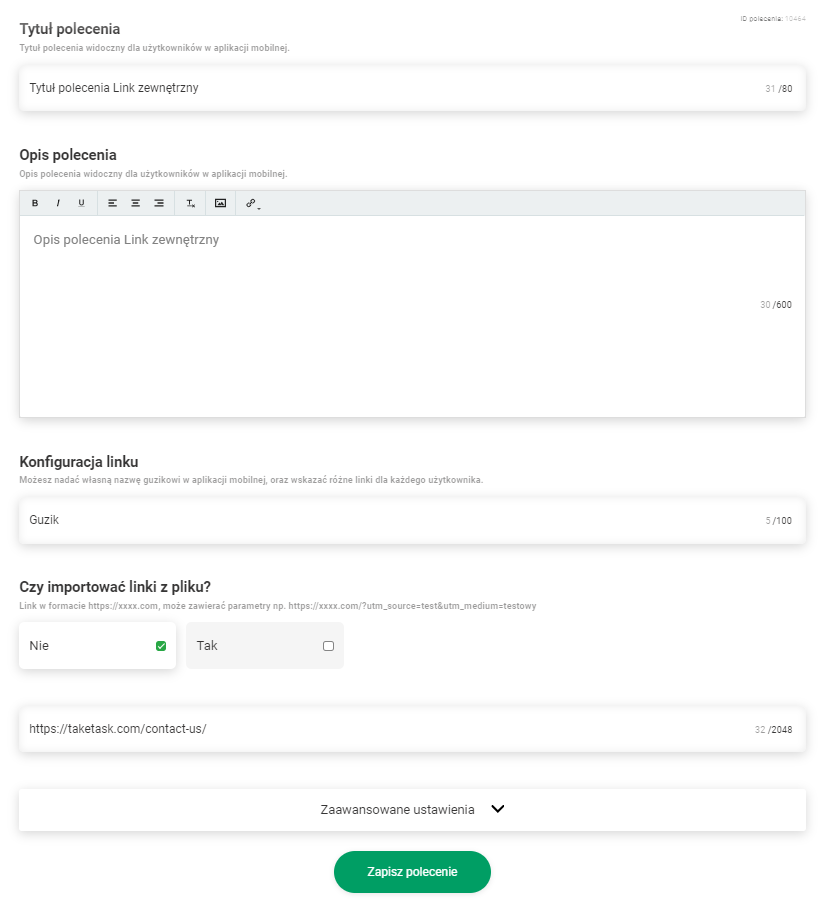
The link, when connected to the task can either be one for all users or each user will be assigned an individual link. The article on this specific functionality is “Do I import links from a file?”
- No = One link for all users of the task
- Yes = Individual link for each user
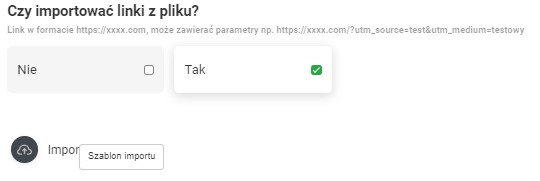
By right-clicking the ‘Import’ button, you can download a template file for importing.
In the downloaded table, enter the User Login and provide a link.
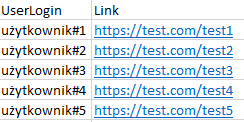
Next, the file should be uploaded to the task.
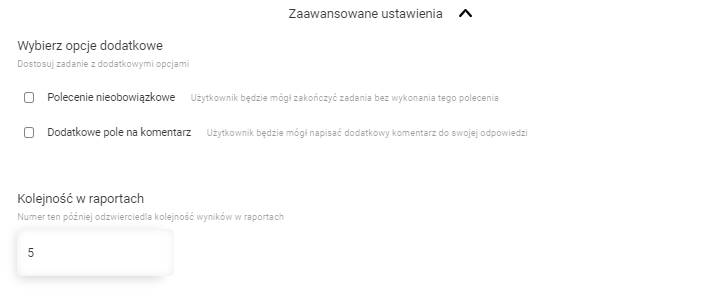
The “Advanced settings” section allows you to set up:
- Optional commands
- An additional field for comments
- The order of command in reports
Advanced command configuration settings:
- Optional command
- Additional comment field
- Order in reports
Command view in the mobile app