The Dashboard section is located in the “My Tasks” tab of the main panel. However, it can be set as the start page after login.
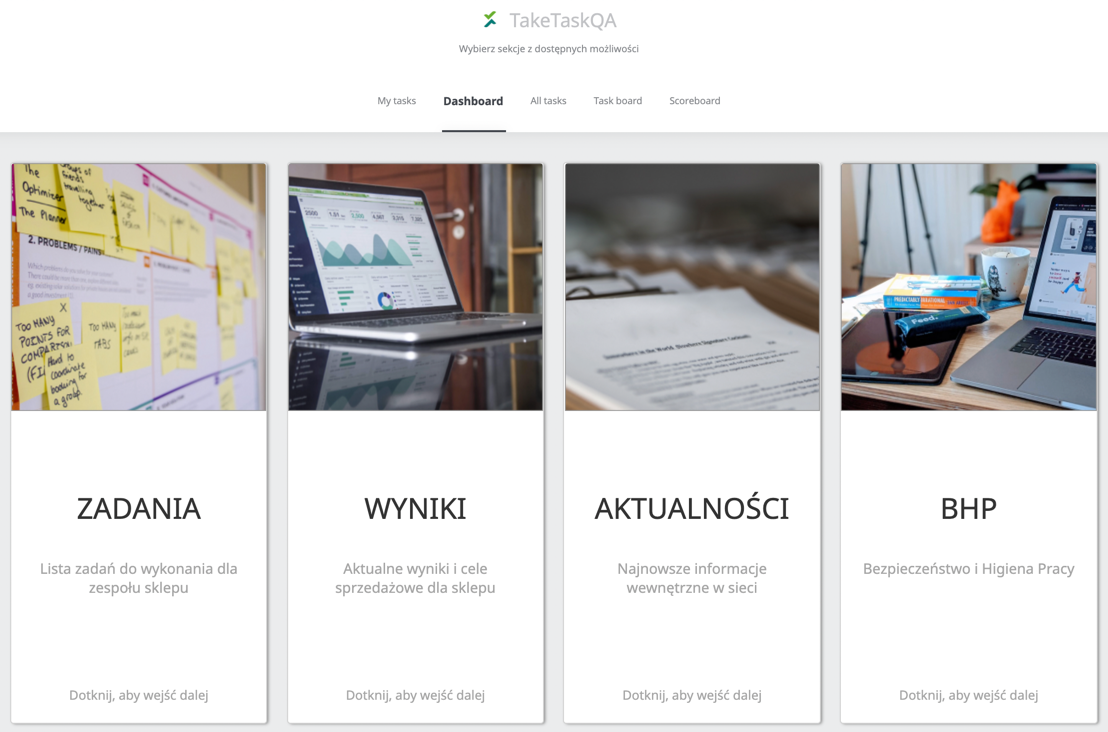
It consists of four elements: Tasks, Results, News and OSH.
TASKS The Tasks section takes you to the Task Board view. The Task Board is the digital answer to the traditional Kanban board. The virtual equivalent is available on touch screens. You can read more about it here. RESULTS The “Results” section takes you to charts that show current results and shop sales goals. NEWS In the “News” section there are all the tasks of the type: News. You can read more about the types of tasks here. In order to create a task, which will be included in the “News” section, you must select the Type of task when creating the task: News. More about creating/editing a task can be found here. OHS In the “OHS” section, OHS instructions are posted by administrators. Allows you to add jpg, png, pdf image files. In order to configure it, please contact the administrator.
 PL
PL