
Bulk status change of completed tasks
The function changes statuses in a given task in bulk to one specific status, e.g. accepting all tasks within a specific time range. The requested status change is carried out immediately.
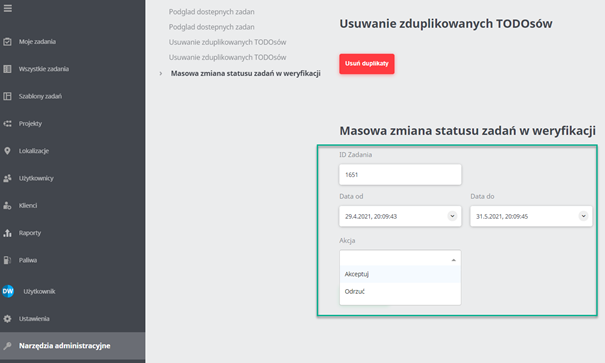
The function is located in the Administrative tools -> Bulk change of status of tasks in verification tab.
There we specify:
- the task ID,
- the date from (day, hour and minutes),
- the date to (day, hour and minutes),
- the expected action:
- Accept - All tasks will have the Accepted status
- Reject - All tasks will have the Rejected status
Then we confirm with the change status button.
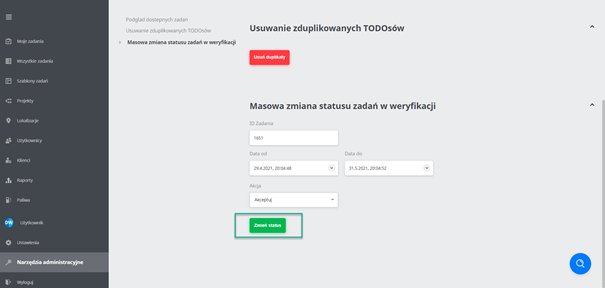
This way we can accept/reject tasks in verification in bulk within a specific time range.
Note! We do not recommend making changes covering long periods of time with thousands of task executions, because the change is performed directly on the database and may have a negative impact on the application’s performance while it runs. The change operation may also be aborted if it takes longer than 180 seconds. In that case we recommend splitting the change into several shorter periods.