
Multi-Login
Multi-Login function
This feature allows us to switch to other users' accounts without the need to log out of the one we are currently on. Therefore, we don't have to perform logout and then login to a different account every time. Just follow these steps:
Go to the settings button which is located in the following place:

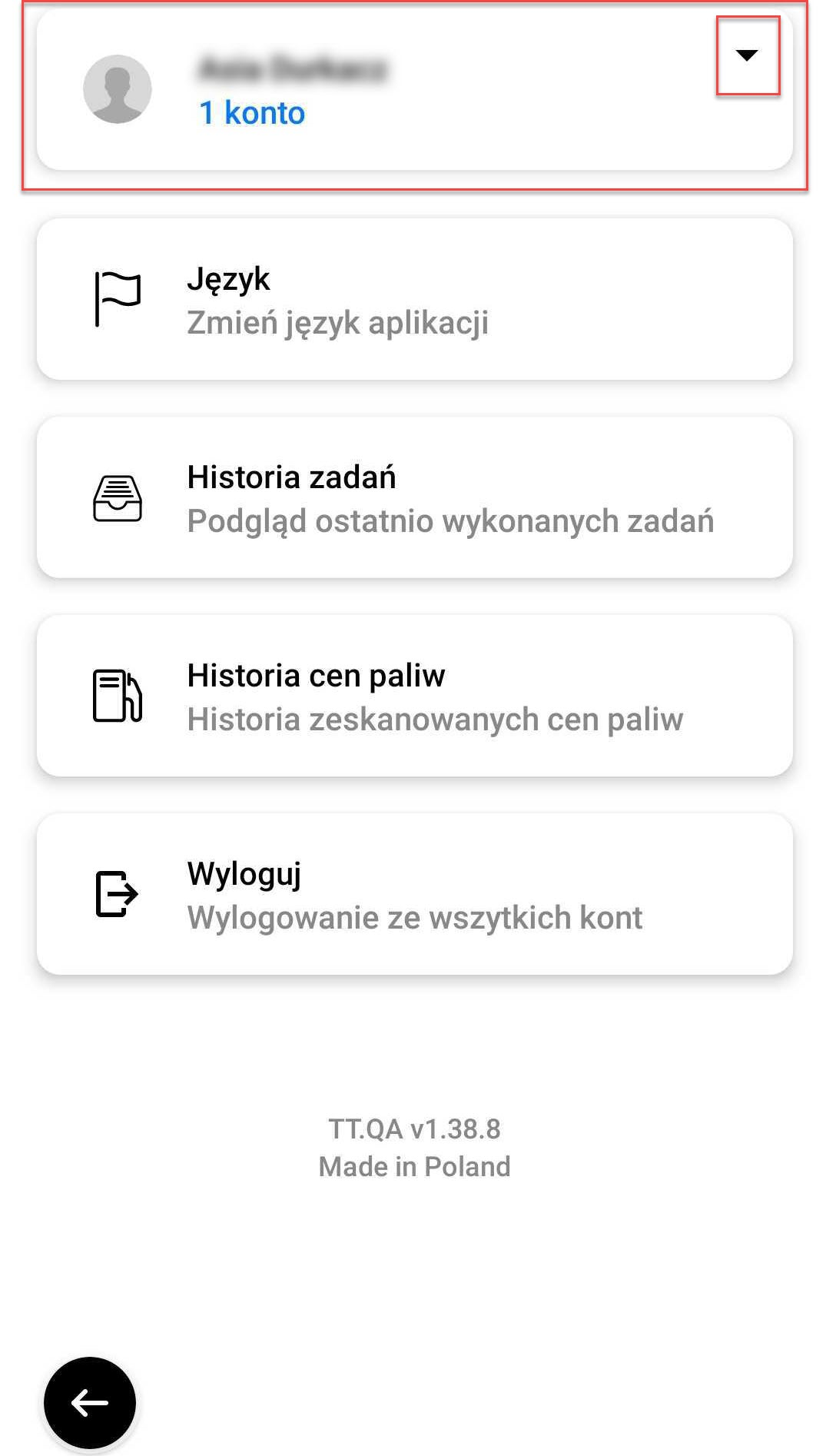
Next, you can see a tab with your username, where you are currently logged in and the number of accounts. To expand the tab, click on the black arrow on the right:
After expanding the tab, you can see a list of users. 'Active account' means a user account you are currently logged in to. If you would like to add a new account, click "Add new account" and then go through the next login steps. All you have to do is log in once to add our account to your list of users.

After logging in to another user you can freely switch accounts. To switch to another user's account you just need to click on their name. At this point, you are in the account of the selected user without having to log out and log in.

The "Logout" button will log you out of all saved accounts and you will have to log in again the next time you use the application.